Tank Physics: Arcade vs Realistic
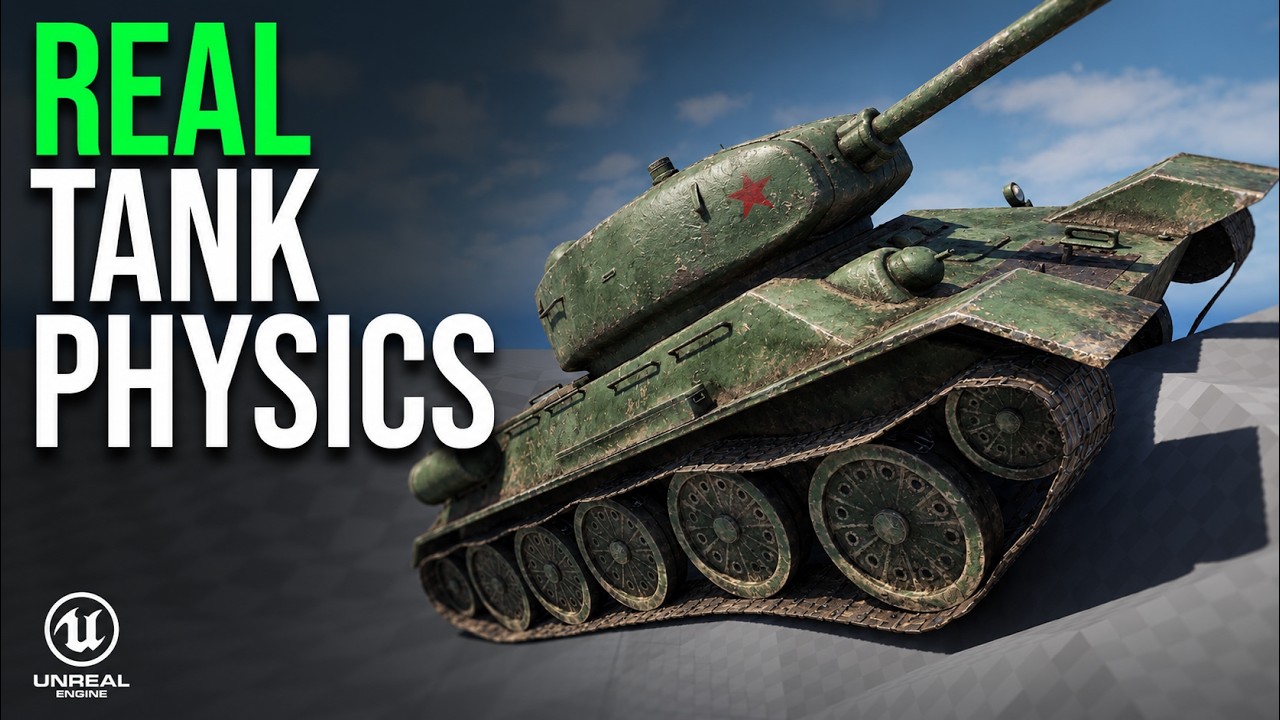
Tune tank mass, suspension, engine, transmission, and braking, then correct reverse turning.
Chaos Tank SystemTHE COMPLETE LIBRARY
Find a mechanic, solve a problem, or keep building along with a series.
38 tutorials
Newest firstTune tank mass, suspension, engine, transmission, and braking, then correct reverse turning.
Chaos Tank SystemRig a tank’s wheels, deformable tracks, suspension, turret, cannon, and recoil for Chaos Vehicles.
Chaos Tank SystemDetect tire slip and dynamically control skid sound intensity during acceleration, braking, cornering, and drifting.
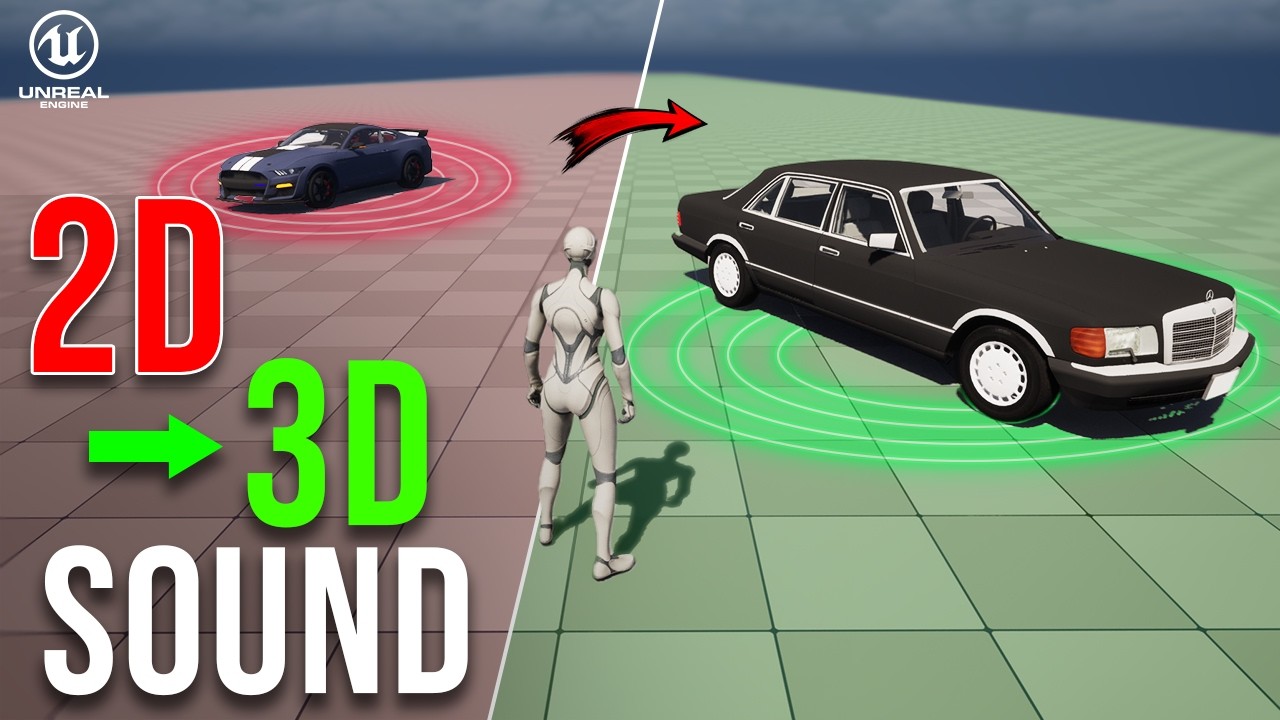
Add 3D spatialization, air absorption, and occlusion to a vehicle MetaSound using sound attenuation.
Make brake calipers follow wheel suspension and steering without inheriting the wheel’s spinning rotation.
Synchronize character motion, hand IK, the knob, and the door for natural interactions from either side.
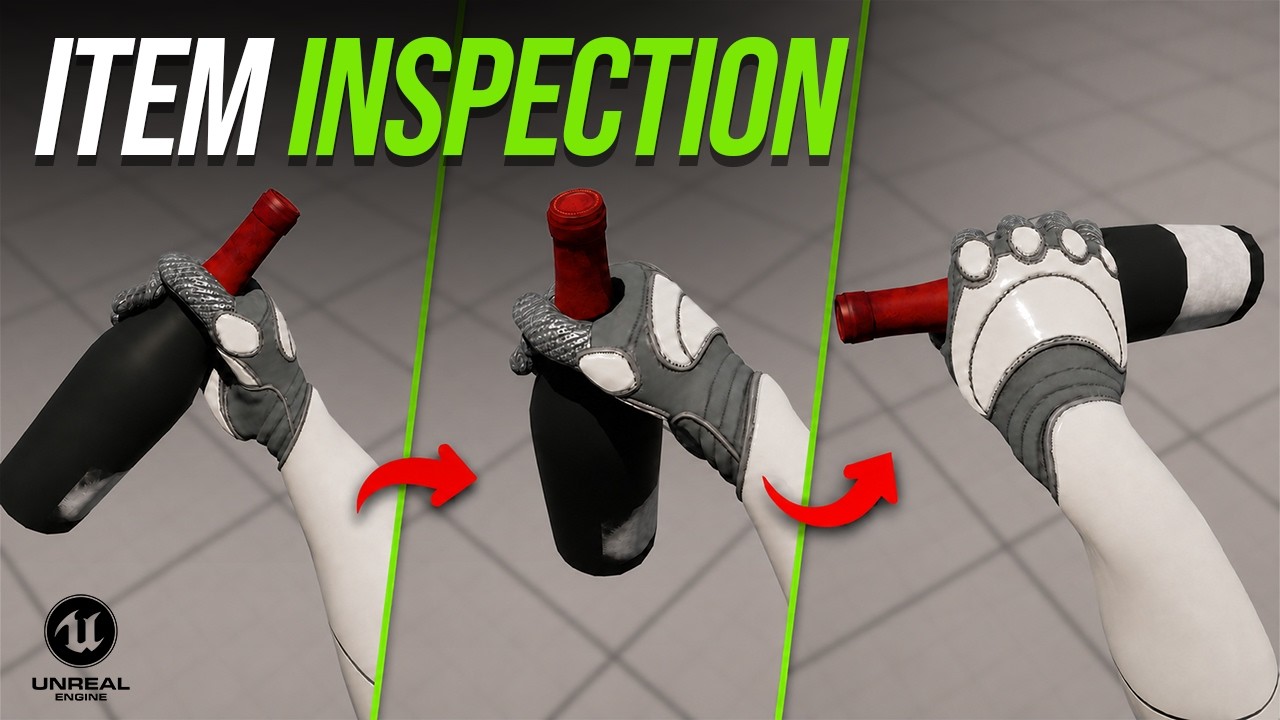
Extend the pickup system with tap-versus-hold input, camera-relative inspection, and controlled item rotation.
Realistic Pickup & InspectionAdd smooth item attachment, first-person and third-person support, and pickups at different heights.
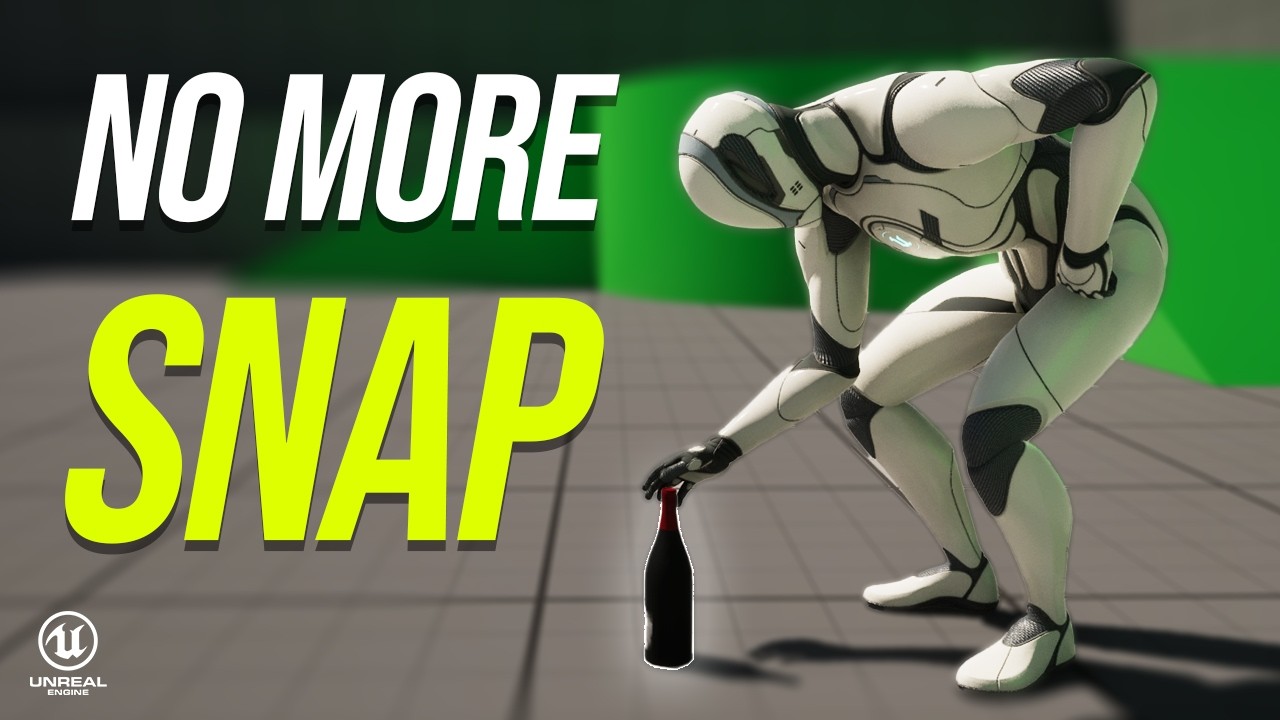
Realistic Pickup & InspectionUse Control Rig hand IK and per-item grip poses to pick up different objects with one animation.
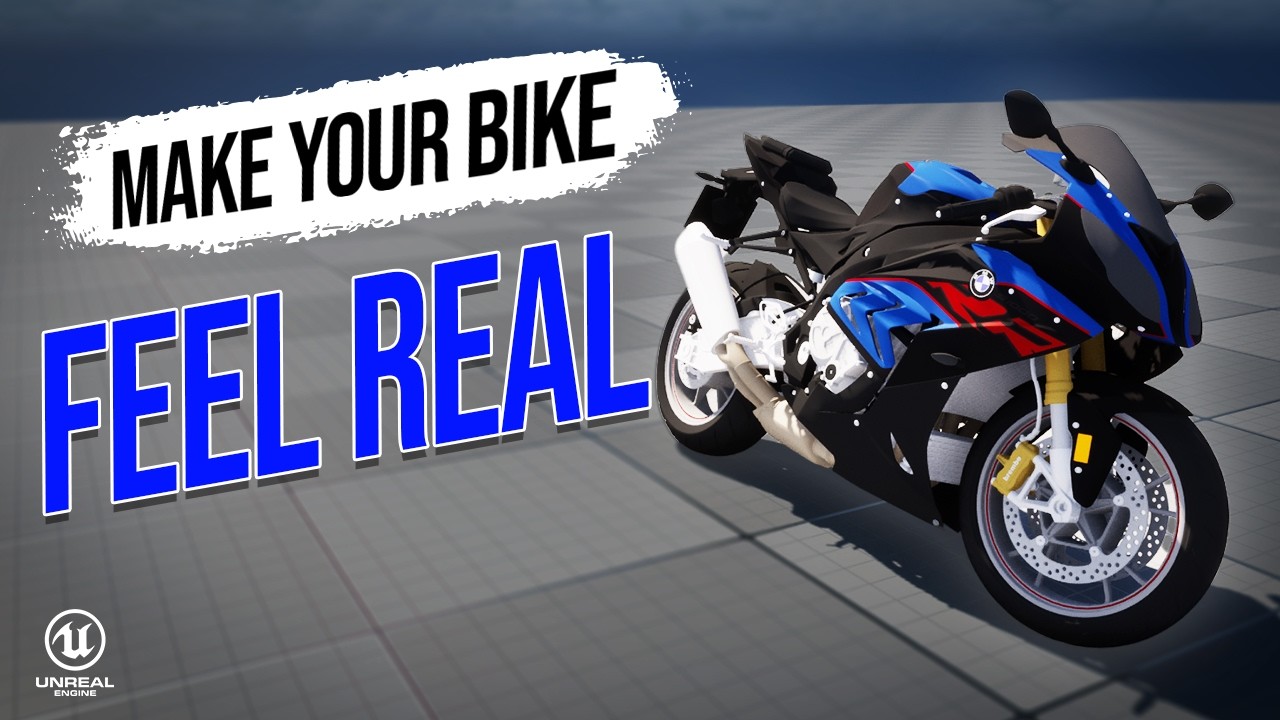
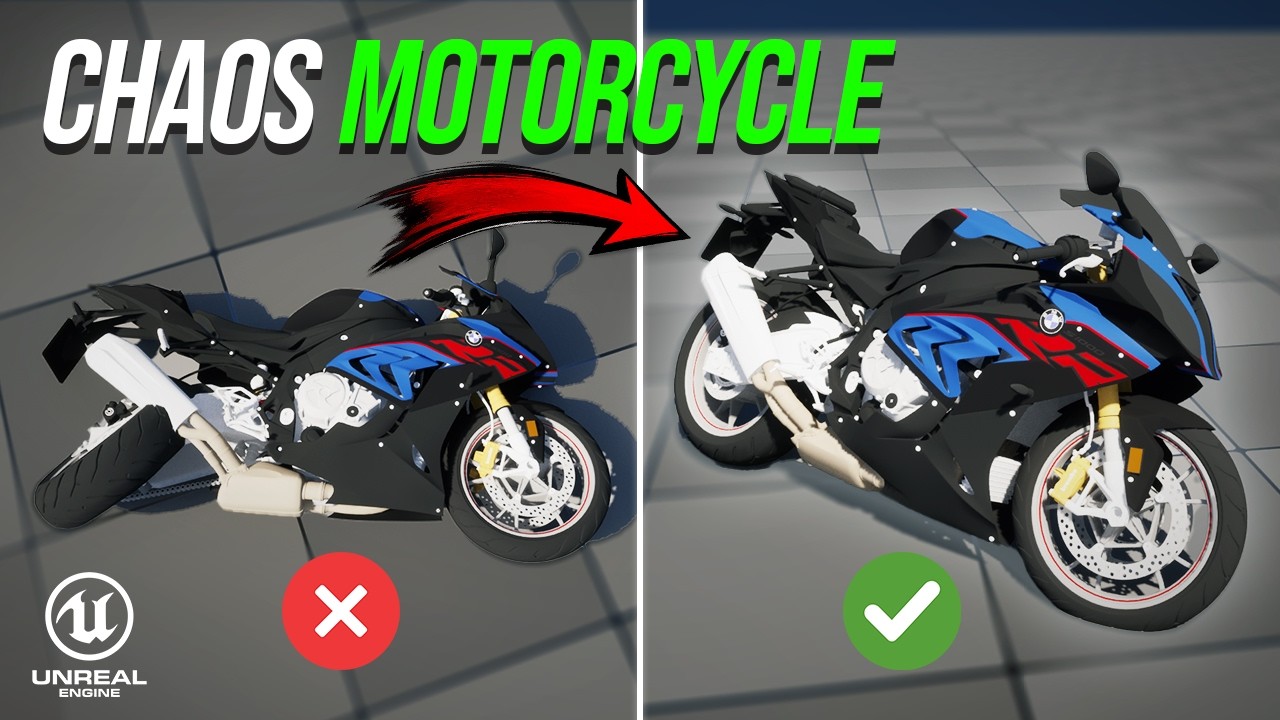
Realistic Pickup & InspectionBuild speed-based leaning and tune the motorcycle’s suspension, collision, engine, transmission, and steering.
Chaos MotorcycleConfigure motorcycle physics, wheels, suspension animation, steering, and Control Rig in Unreal Engine.
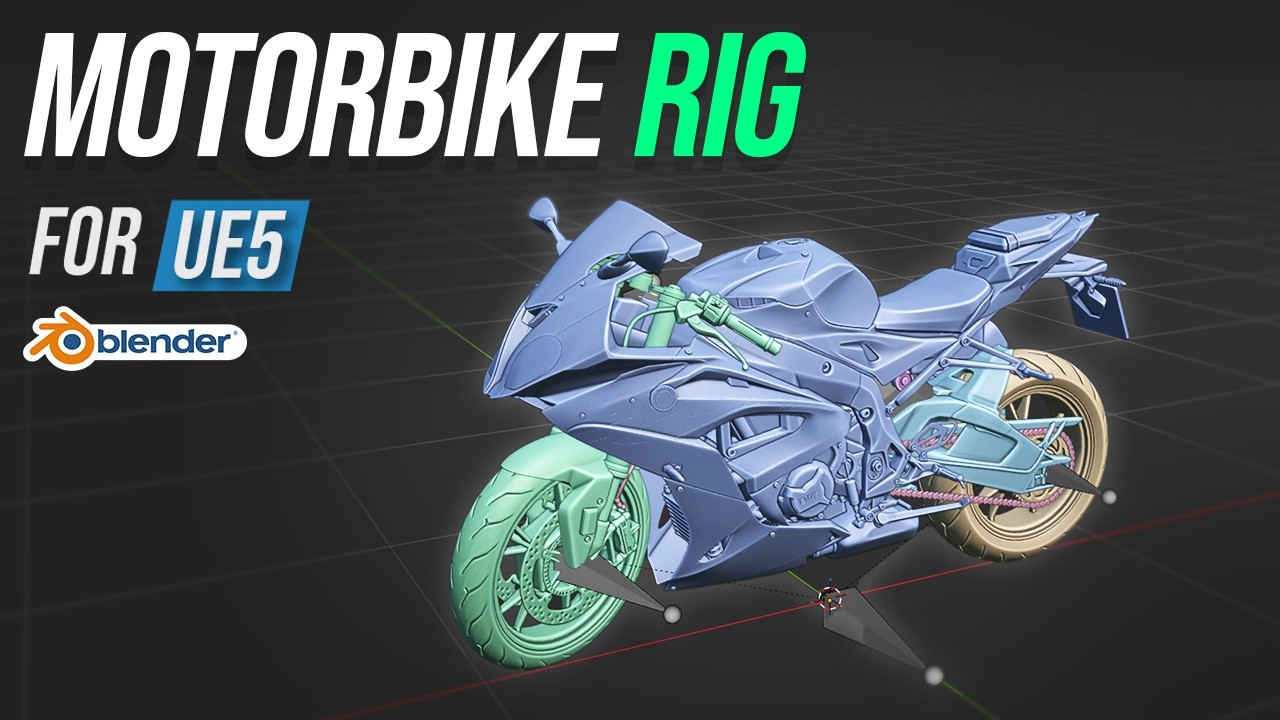
Chaos MotorcycleRig a motorcycle’s steering, forks, suspension, swingarm, and shock absorber in Blender.
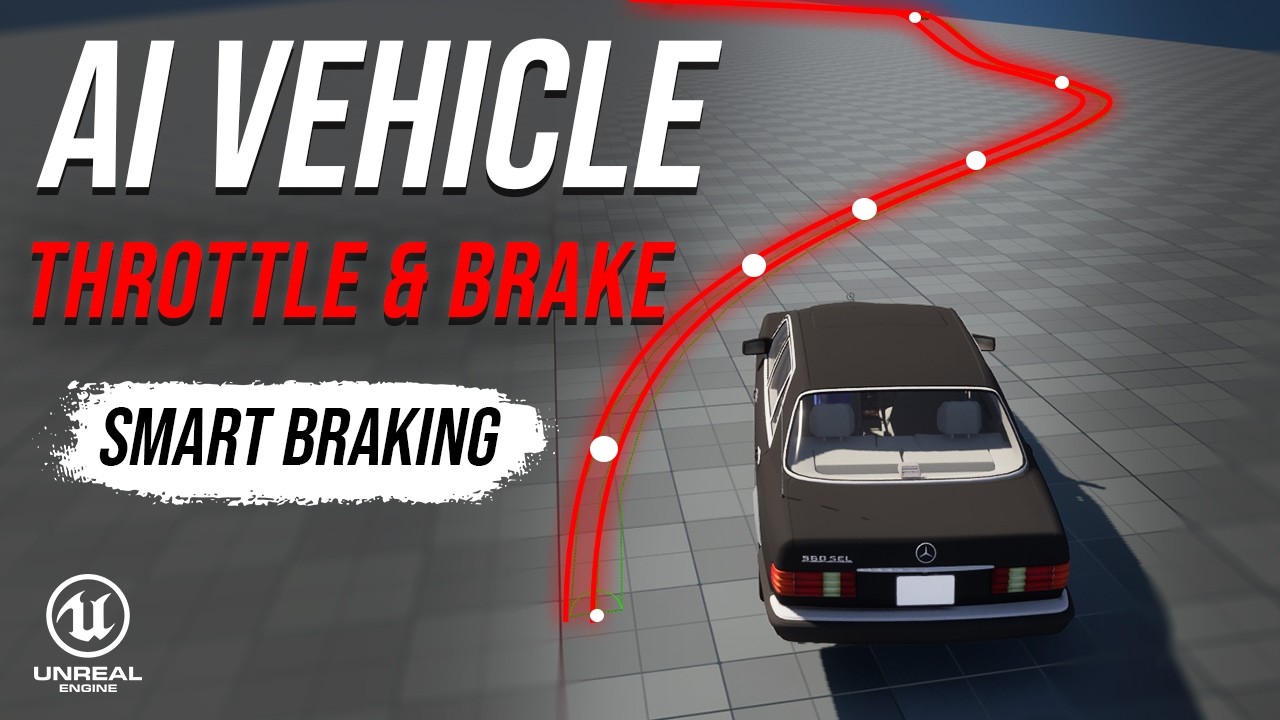
Chaos MotorcycleUse road curvature and physics to calculate cornering speed and apply proportional throttle and braking.
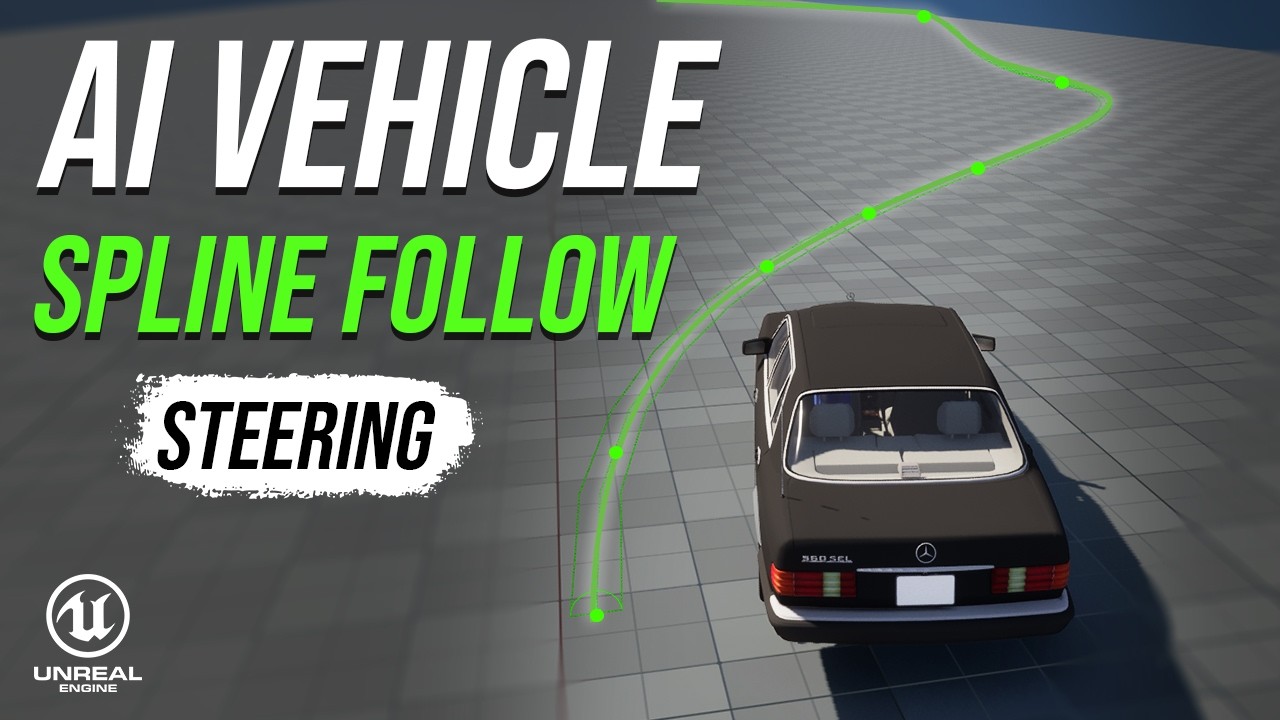
Game-Ready Vehicle SystemMake an AI car follow a spline using a look-ahead target and smooth steering input.
Game-Ready Vehicle SystemCreate a shared skeleton and base Chaos Vehicle Blueprint so multiple cars can use the same system.
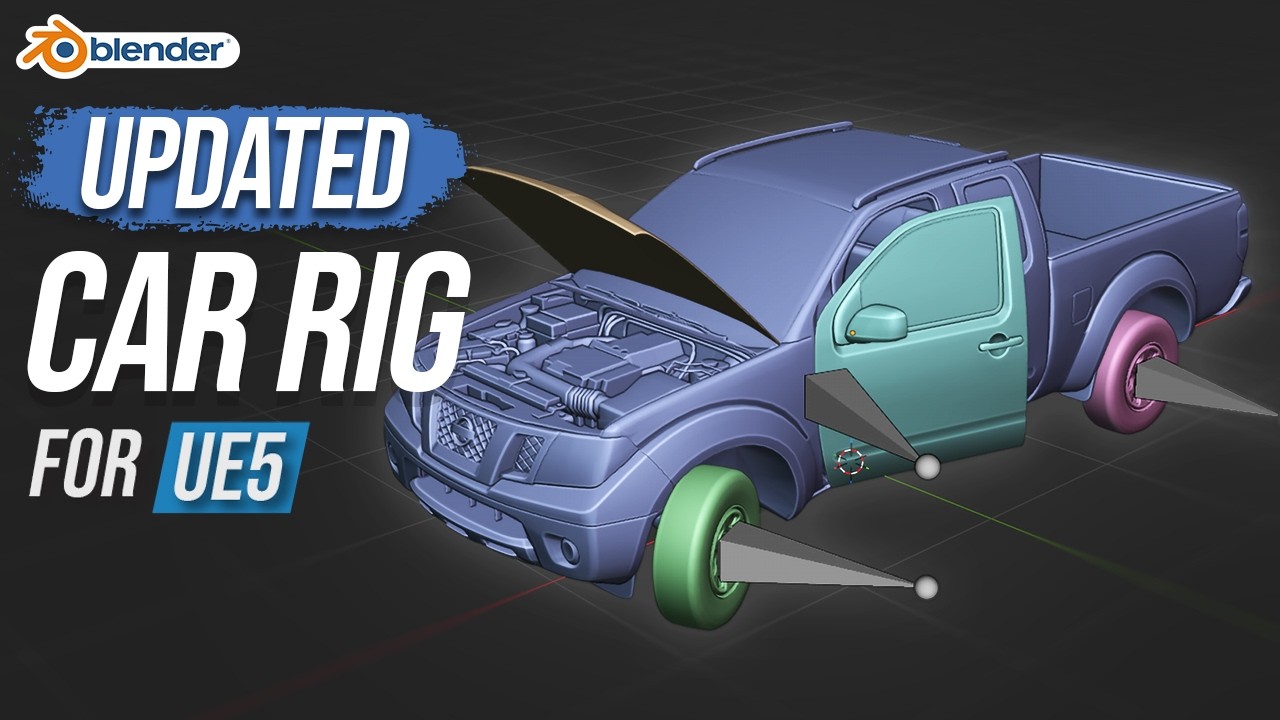
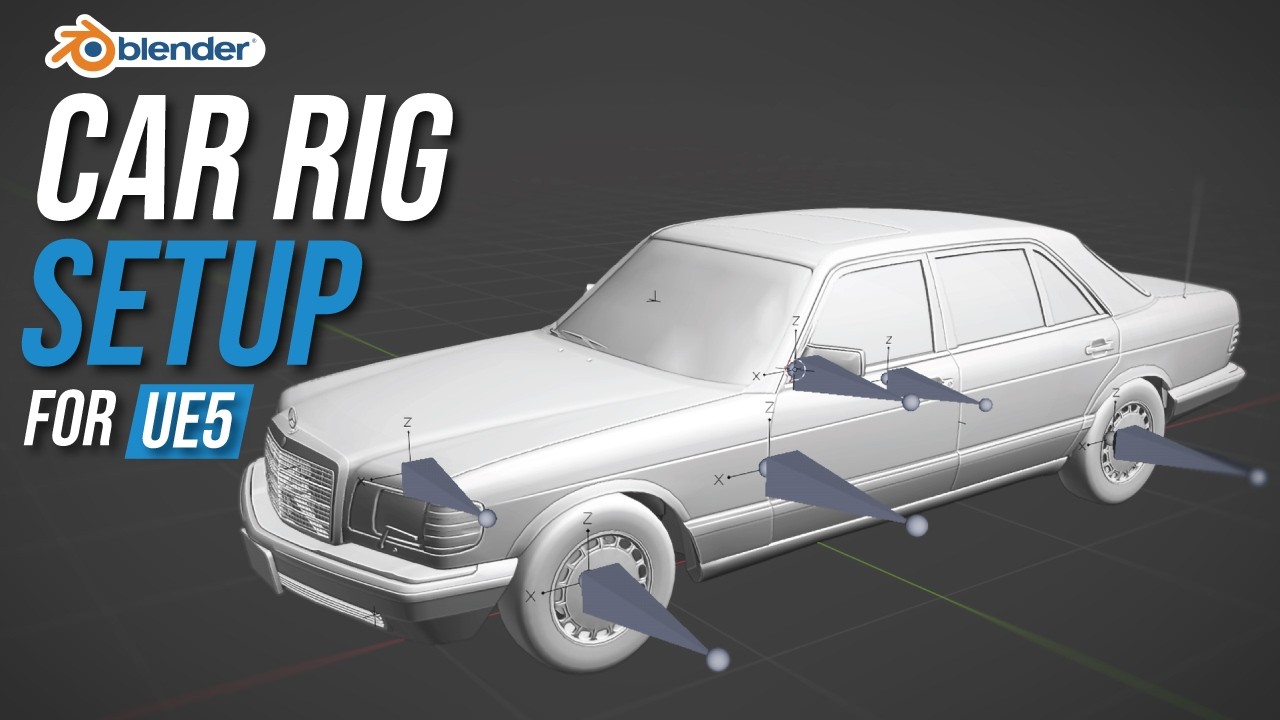
Game-Ready Vehicle SystemRig wheels, calipers, doors, hood, and steering in Blender with the updated Chaos Vehicle workflow.
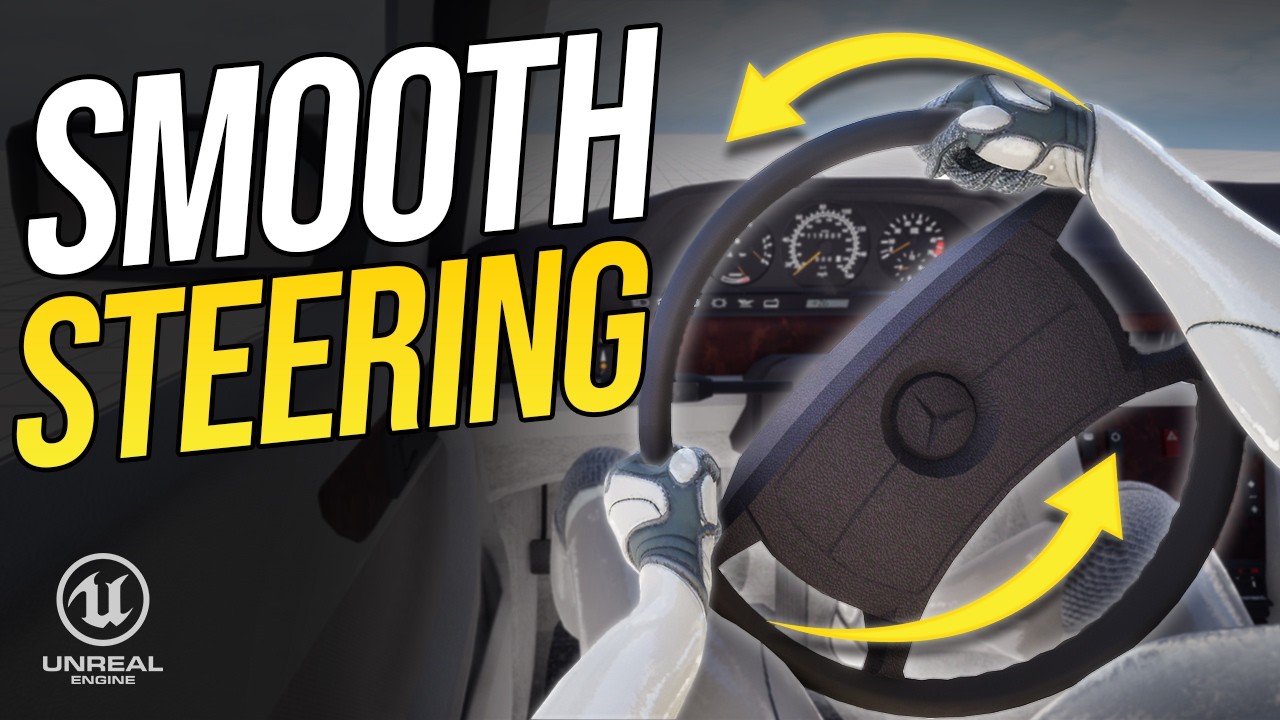
Game-Ready Vehicle SystemSet up camera switching, steering wheel rotation, and Control Rig hand placement for first-person driving.
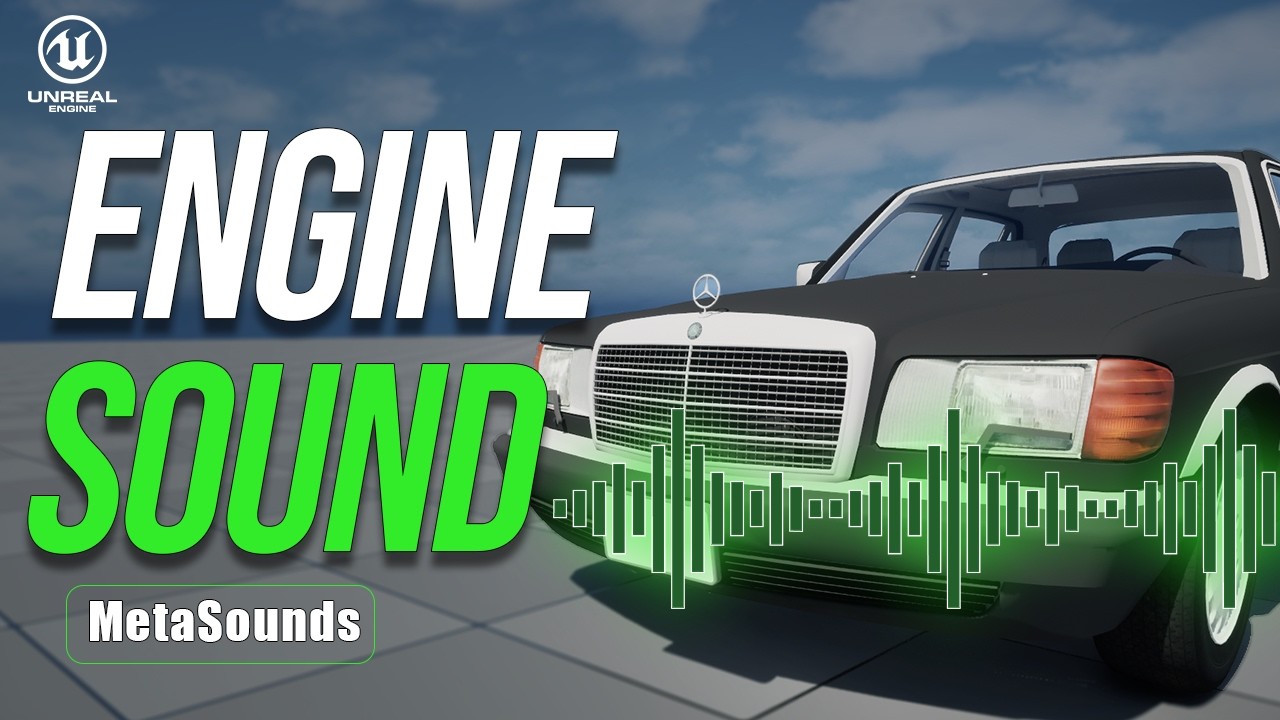
Game-Ready Vehicle SystemAdd door sounds, engine startup, dynamic RPM-based engine audio, and handbrake skid sounds.
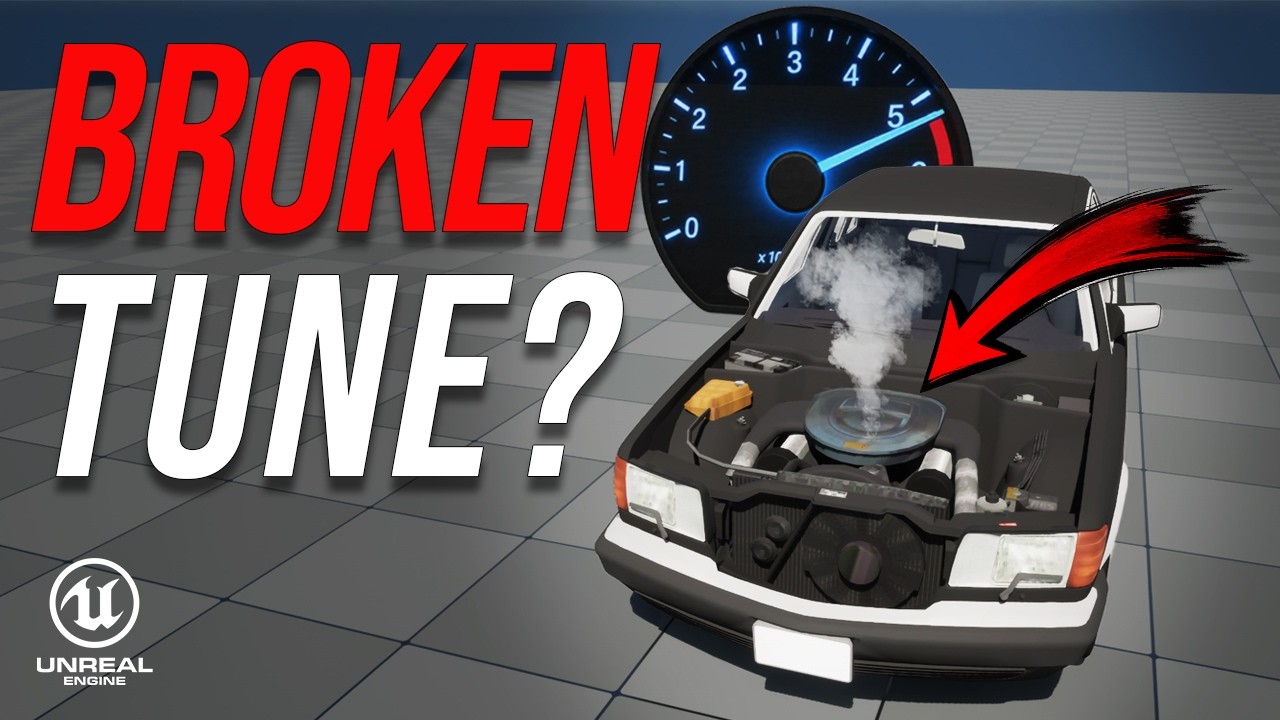
Game-Ready Vehicle SystemTune vehicle mass, torque, transmission, and shift RPM so speed, gears, and engine RPM work together.
Game-Ready Vehicle SystemUse Two Bone IK to connect the character’s hands to door handles and the steering wheel.
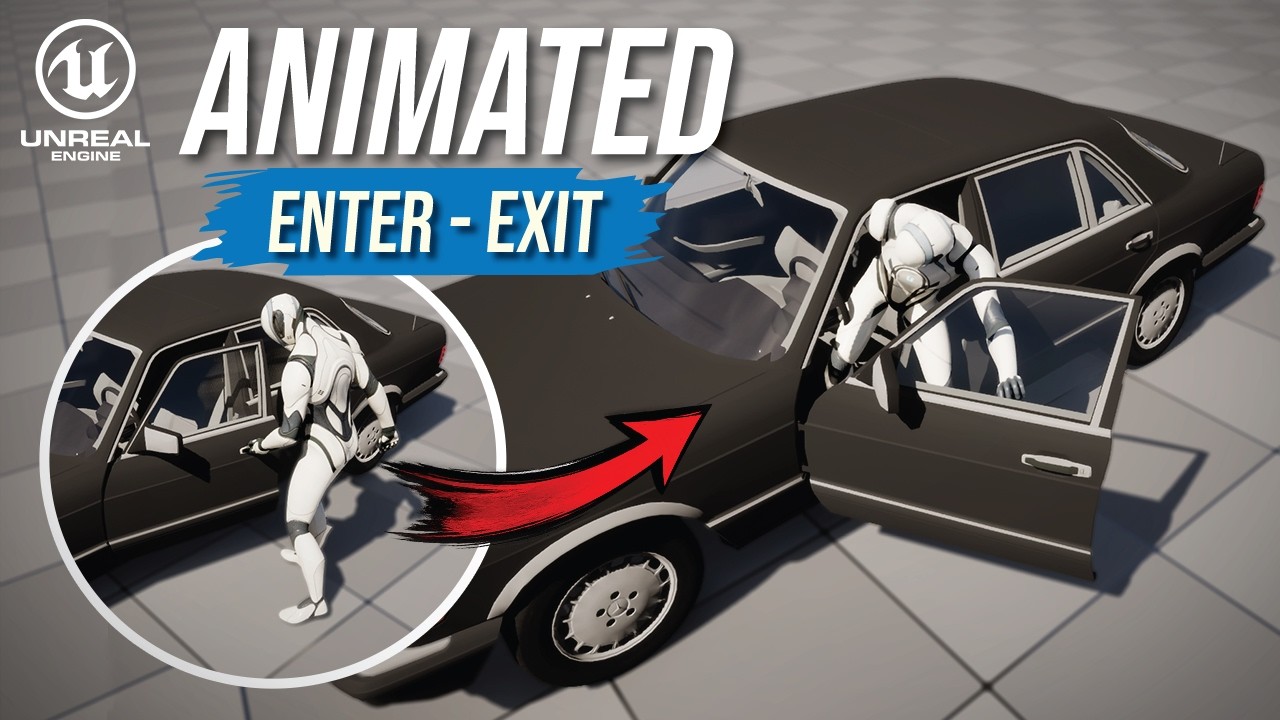
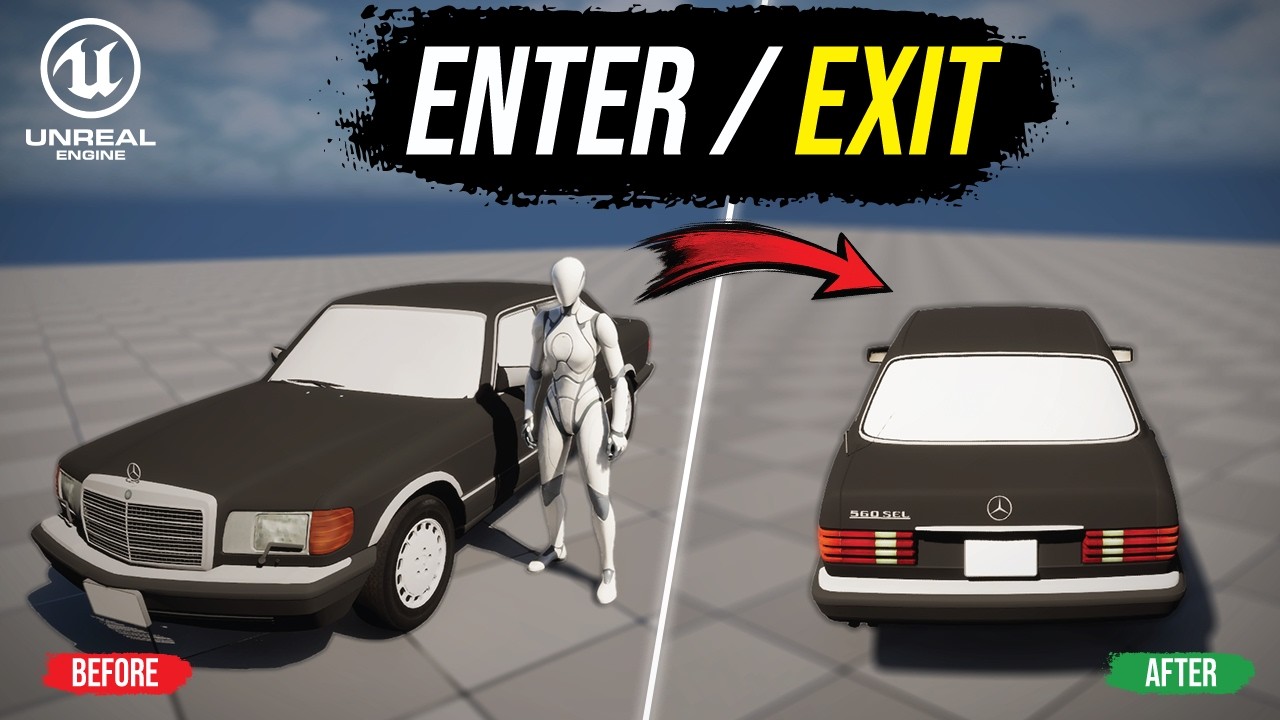
Game-Ready Vehicle SystemUse Motion Warping to align animated vehicle entry and exit transitions with the car.
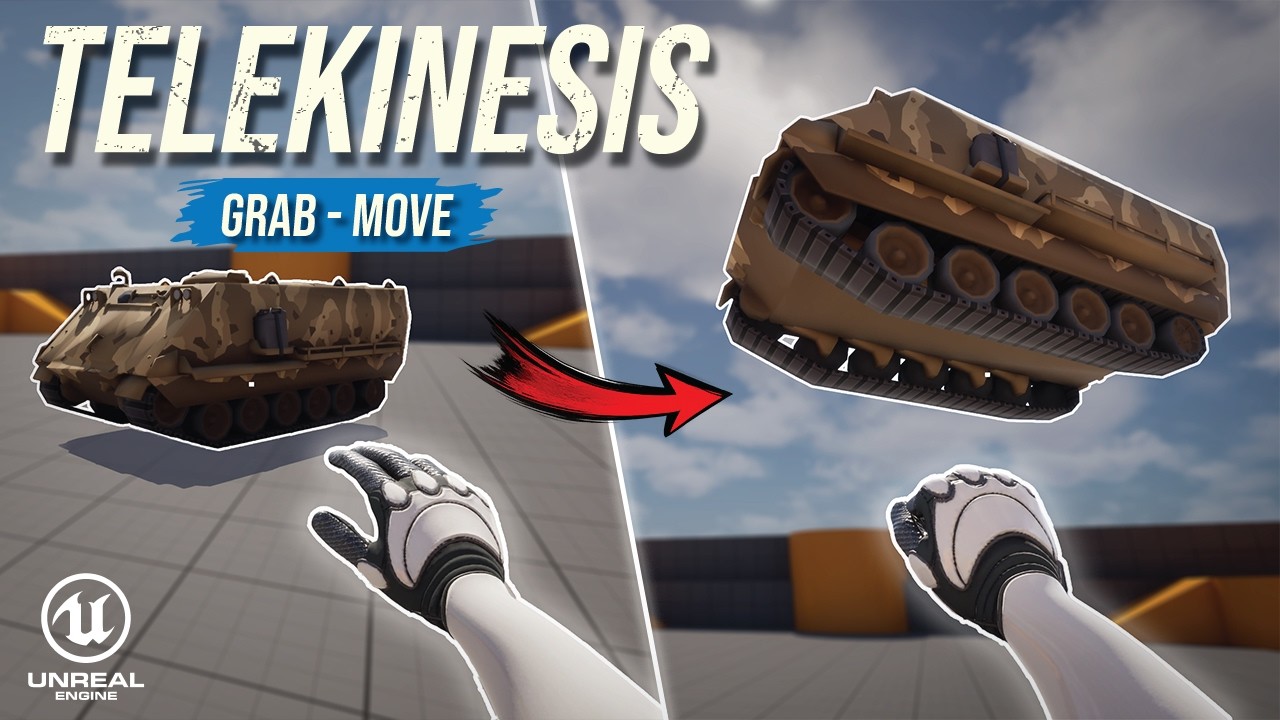
Game-Ready Vehicle SystemGrab, move, and release physics objects with a first-person telekinesis system and hand animations.
Build a beginner coin-collecting game with pickups, score tracking, a simple UI, and a win condition.
Attach the torch to a hand socket and blend the holding pose with character movement.
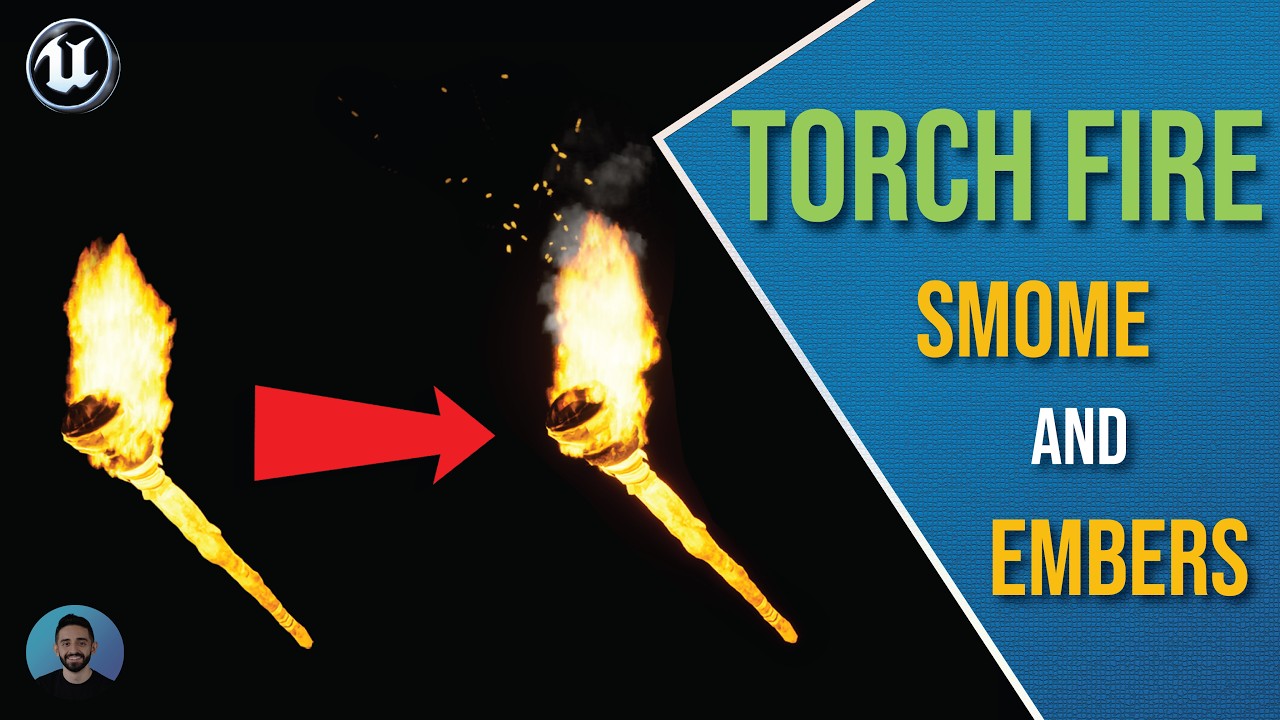
Niagara Torch FireAdd rising smoke and glowing ember particles to the torch effect using Niagara.
Niagara Torch FireCreate a torch flame with a flipbook material, Niagara emitter, point light, and dynamic light flicker.
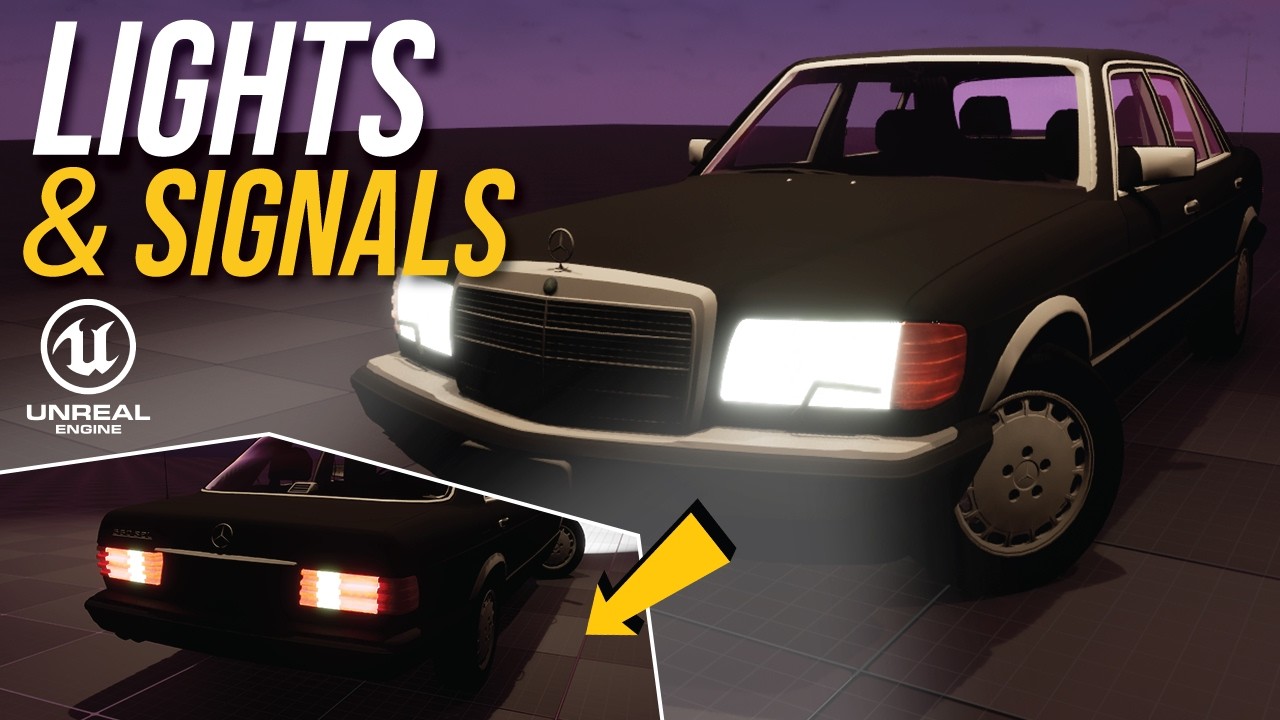
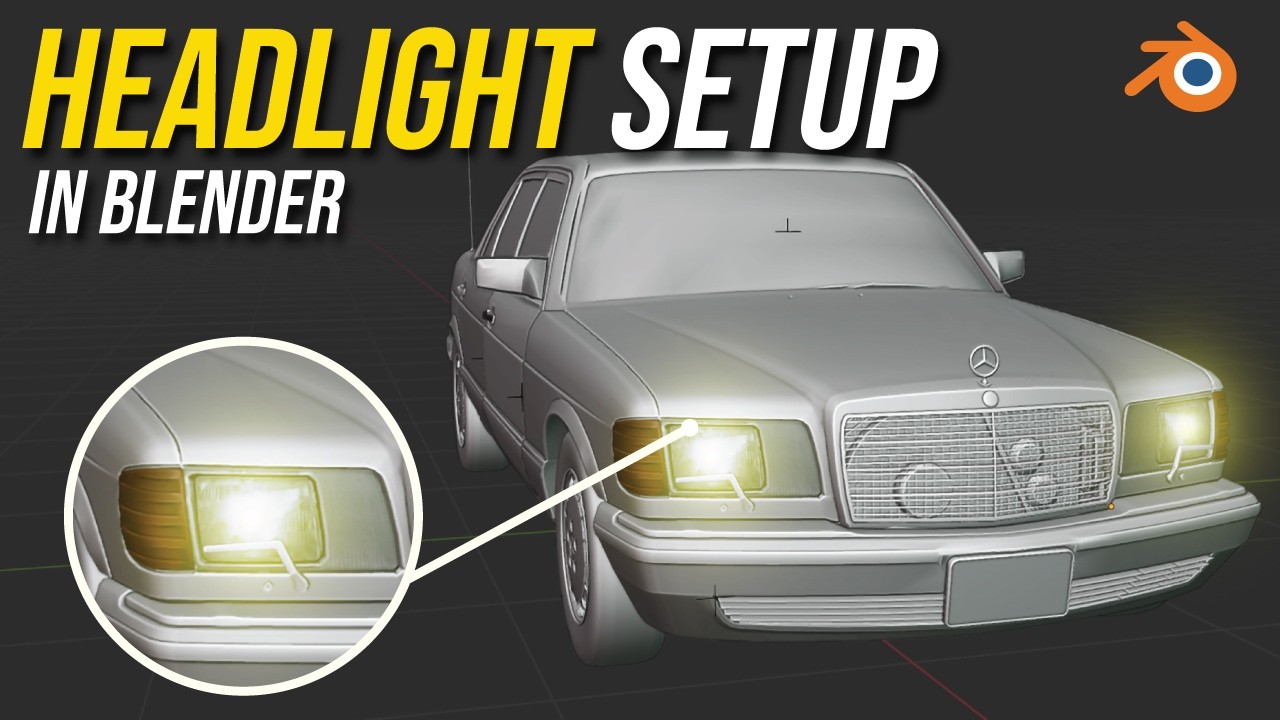
Niagara Torch FireAdd headlights, emissive light materials, and independently controlled turn indicators to a car.
Game-Ready Vehicle SystemPrepare headlight and indicator meshes and material slots in Blender before building the vehicle light logic.
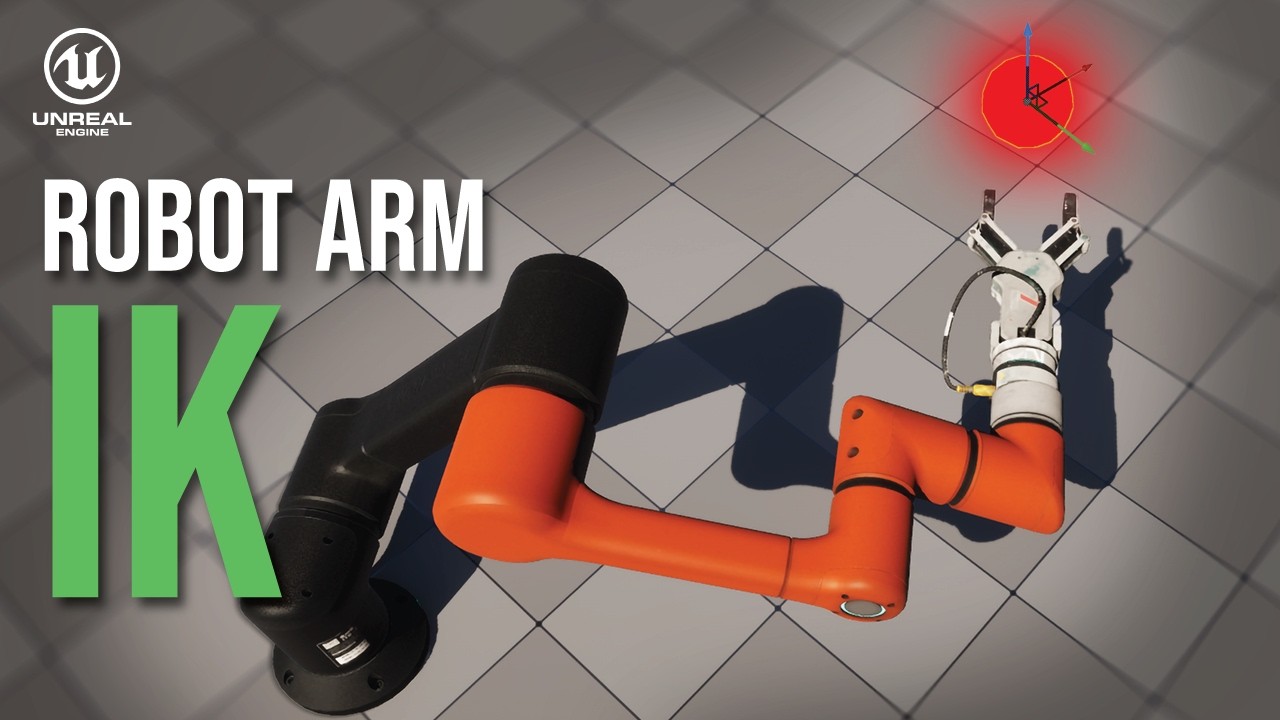
Game-Ready Vehicle SystemCreate a Control Rig and Full Body IK system for a robot arm controlled at runtime.
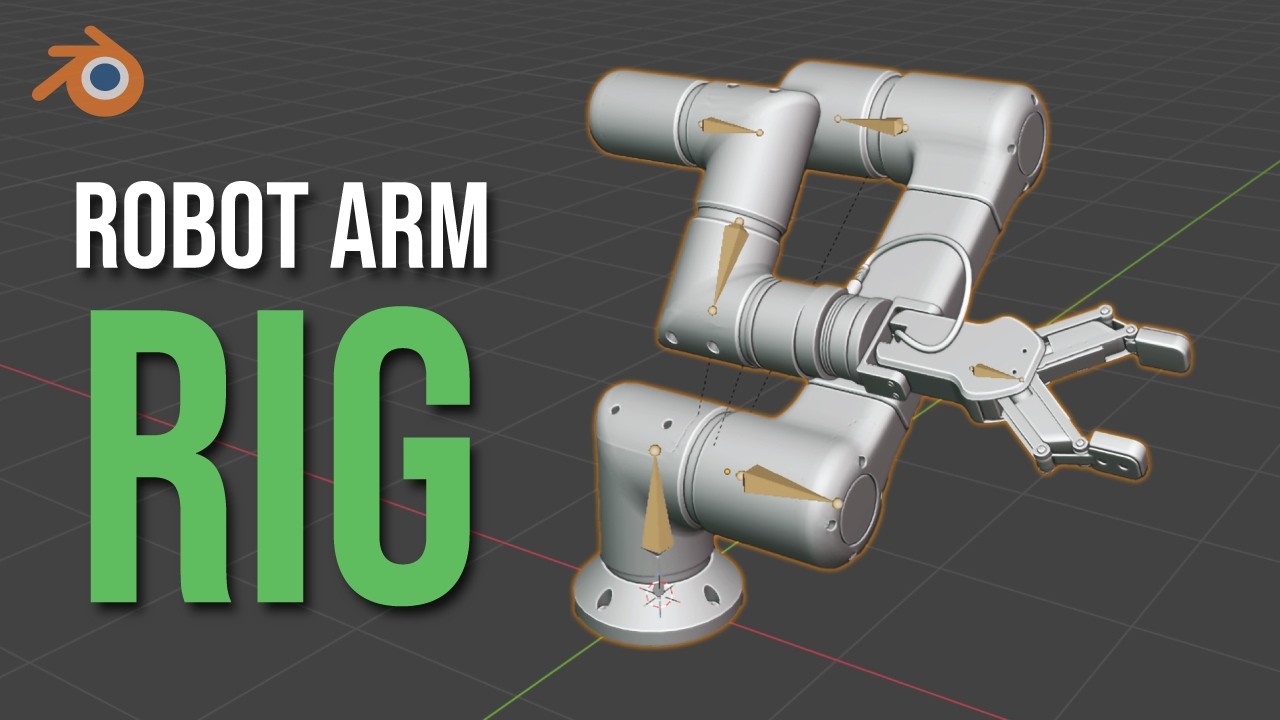
Robot Arm SystemPrepare a mechanical robot arm with an armature, joint placement, vertex groups, and export setup.
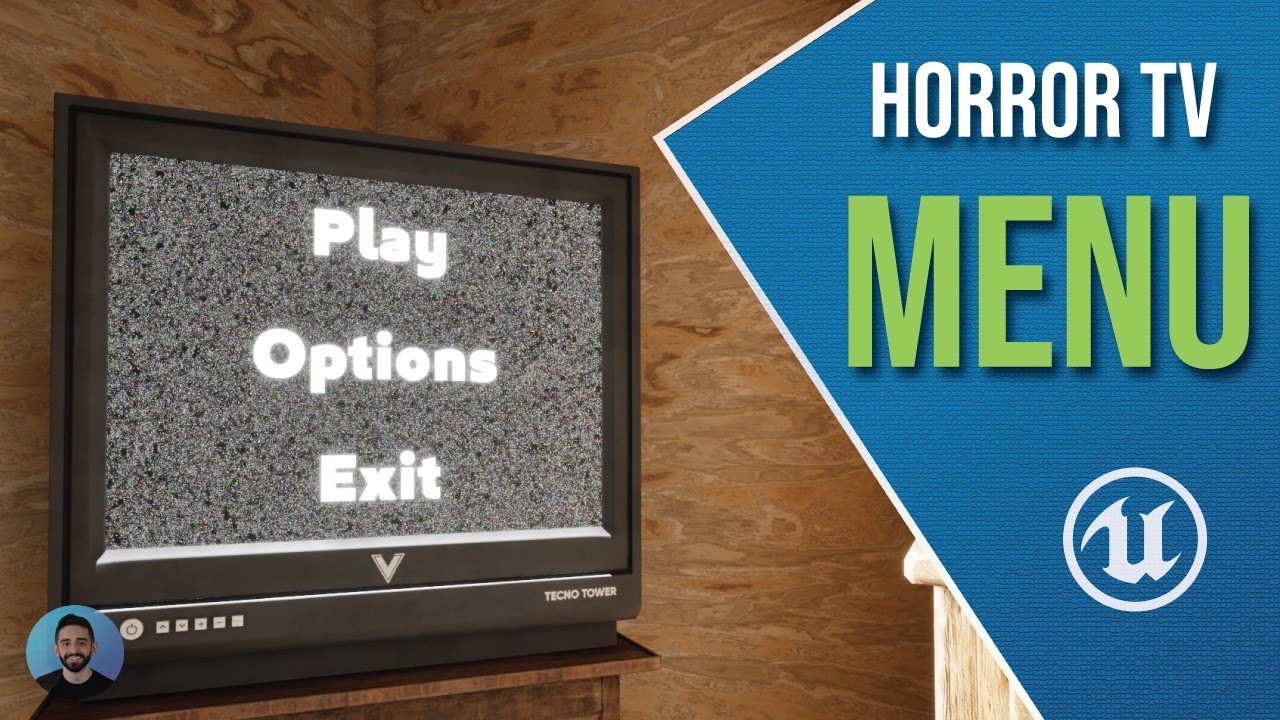
Robot Arm SystemBuild a 3D main menu inside a TV screen using UMG and Widget Interaction.
Switch control between a third-person character and a Chaos Vehicle using a vehicle interaction system.
Game-Ready Vehicle SystemTurn a rigged car into a working Chaos Vehicle with wheel classes, driving inputs, and camera controls.
Game-Ready Vehicle SystemPrepare a car in Blender for Chaos Vehicles. This original workflow has an updated recommended tutorial.
Detect, pick up, and attach objects to the player in a first-person interaction system.
Use root motion animations to create smooth character rotation while turning in place.
Build smooth crouch animations for idle and movement in every direction.
Set up idle, walk, and run animations, then blend them into a character locomotion system.
Try a different search or clear a topic or tutorial-type filter.