 Image currently unavailable
Blender Rig Setup for Chaos Vehicles
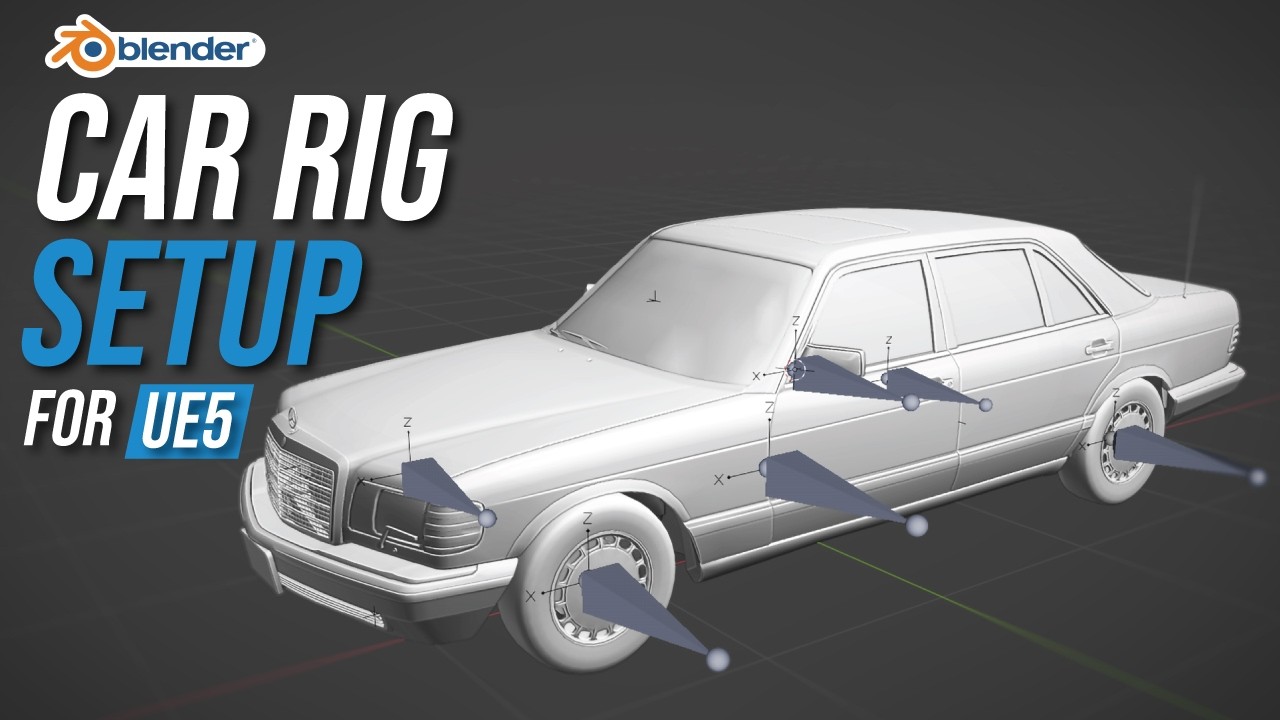
Prepare a car in Blender for Chaos Vehicles. This original workflow has an updated recommended tutorial.
21 EPISODES · FOLLOW IN ORDER
Build a Chaos Vehicle system from car rigging and setup to interactions, animation, sound, modular vehicles, and AI.
 Image currently unavailable
Build a Chaos Vehicle system from car rigging and setup to interactions, animation, sound, modular vehicles, and AI.
Watch the demo — I Built a Game-Ready Vehicle System in Unreal Engine 5 to see what you’ll learn to create in this free YouTube course.
The demo showcases animated vehicle entry and exit, hand IK for doors and steering, headlights and turn signals, first-person driving, dynamic engine and tire-skid sounds, modular vehicles, AI driving, and a vehicle HUD with speed, RPM, and gear display.
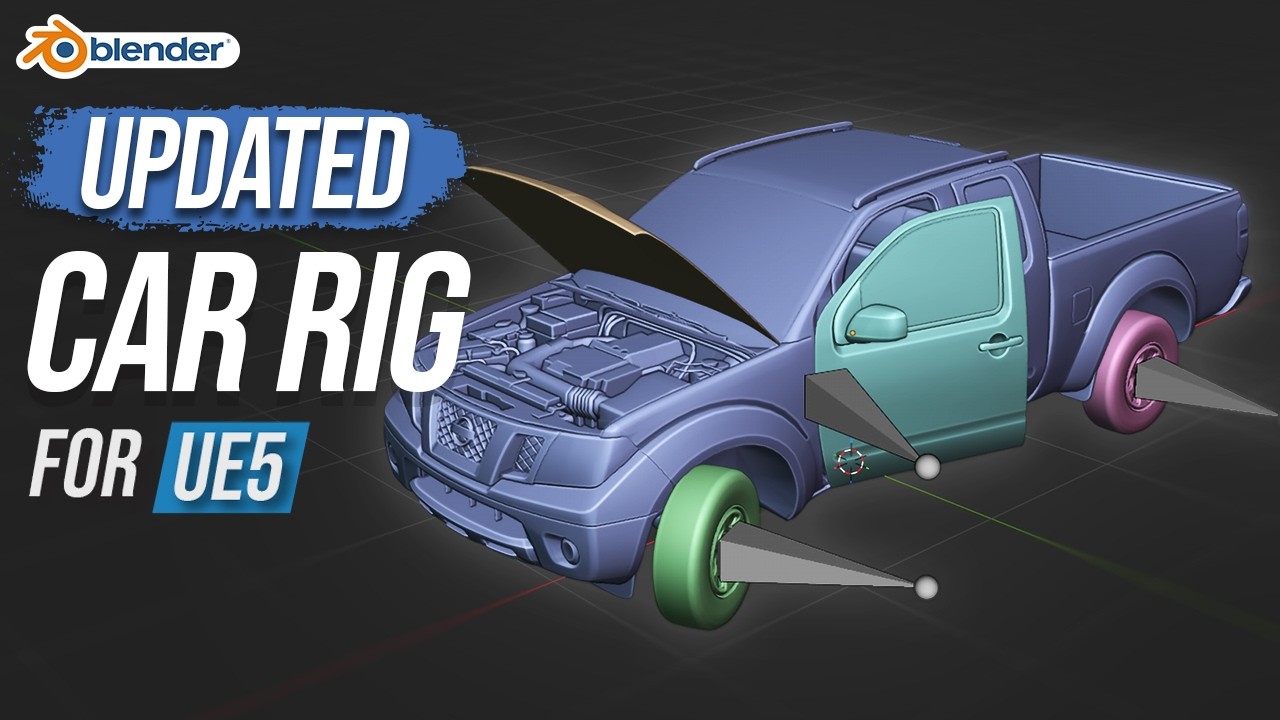 Image currently unavailable
Rig wheels, calipers, doors, hood, and steering in Blender with the updated Chaos Vehicle workflow.
 Image currently unavailable
Turn a rigged car into a working Chaos Vehicle with wheel classes, driving inputs, and camera controls.
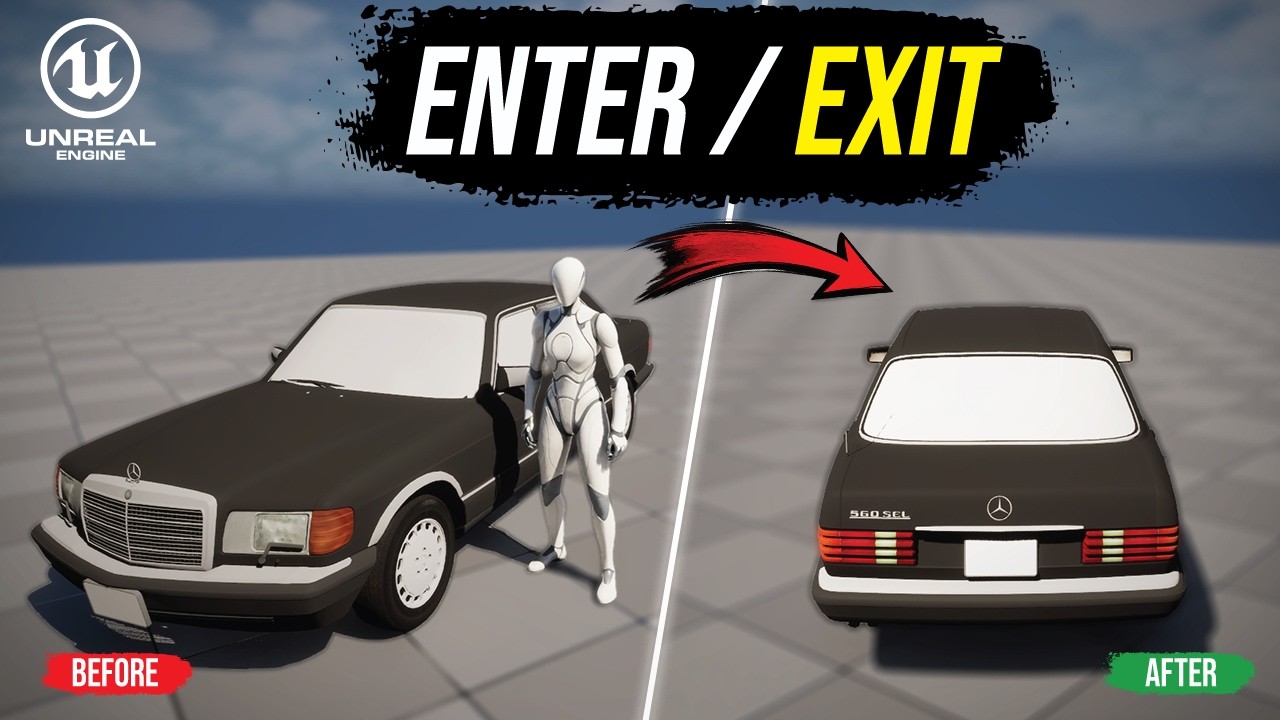 Image currently unavailable
Switch control between a third-person character and a Chaos Vehicle using a vehicle interaction system.
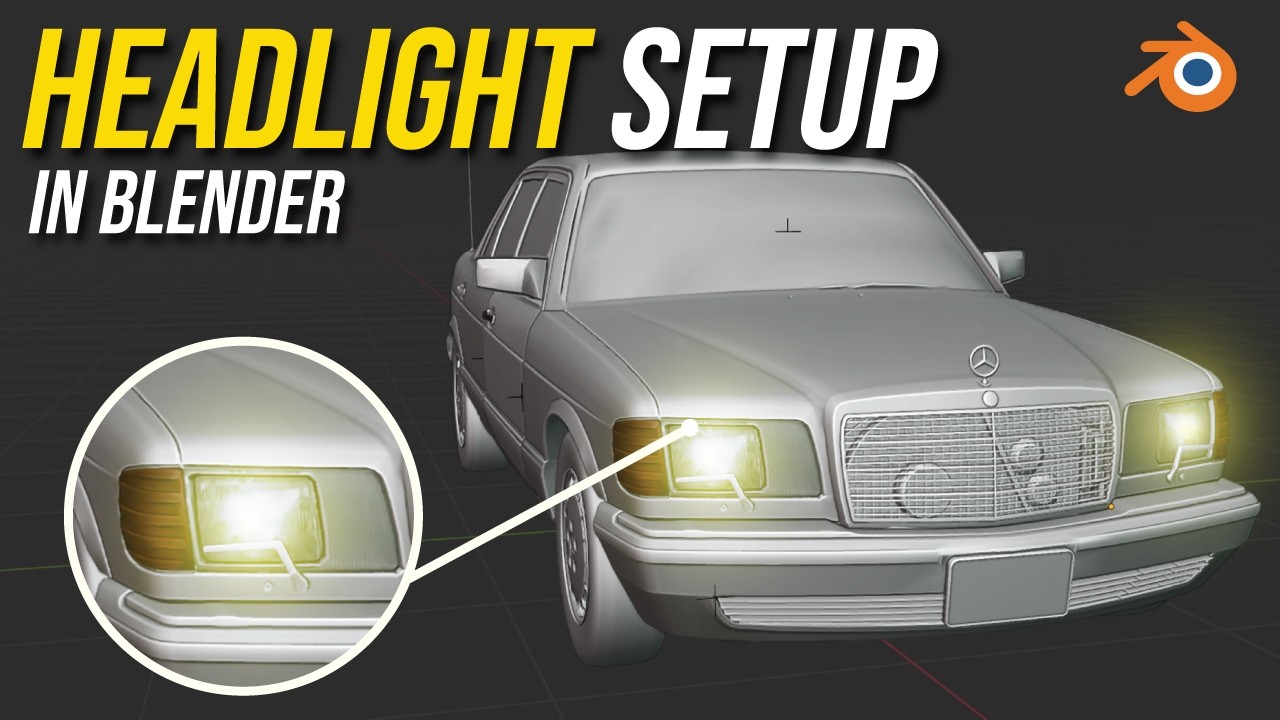 Image currently unavailable
Prepare headlight and indicator meshes and material slots in Blender before building the vehicle light logic.
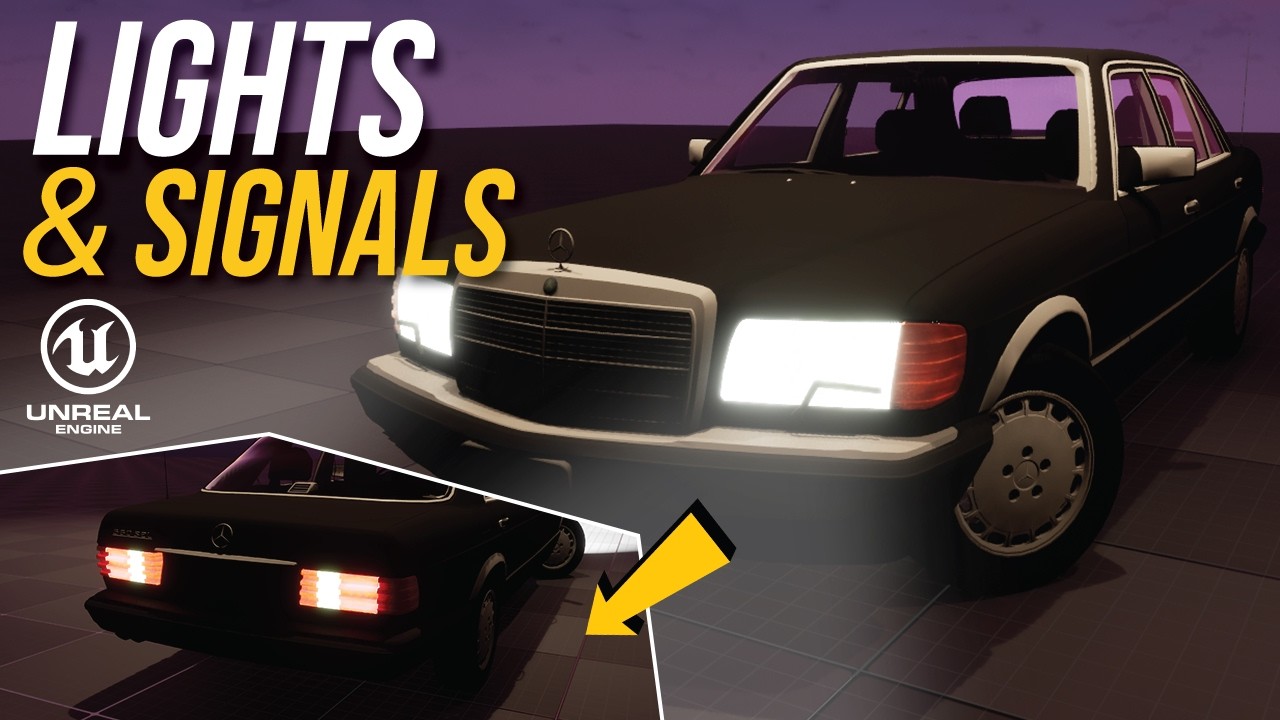 Image currently unavailable
Add headlights, emissive light materials, and independently controlled turn indicators to a car.
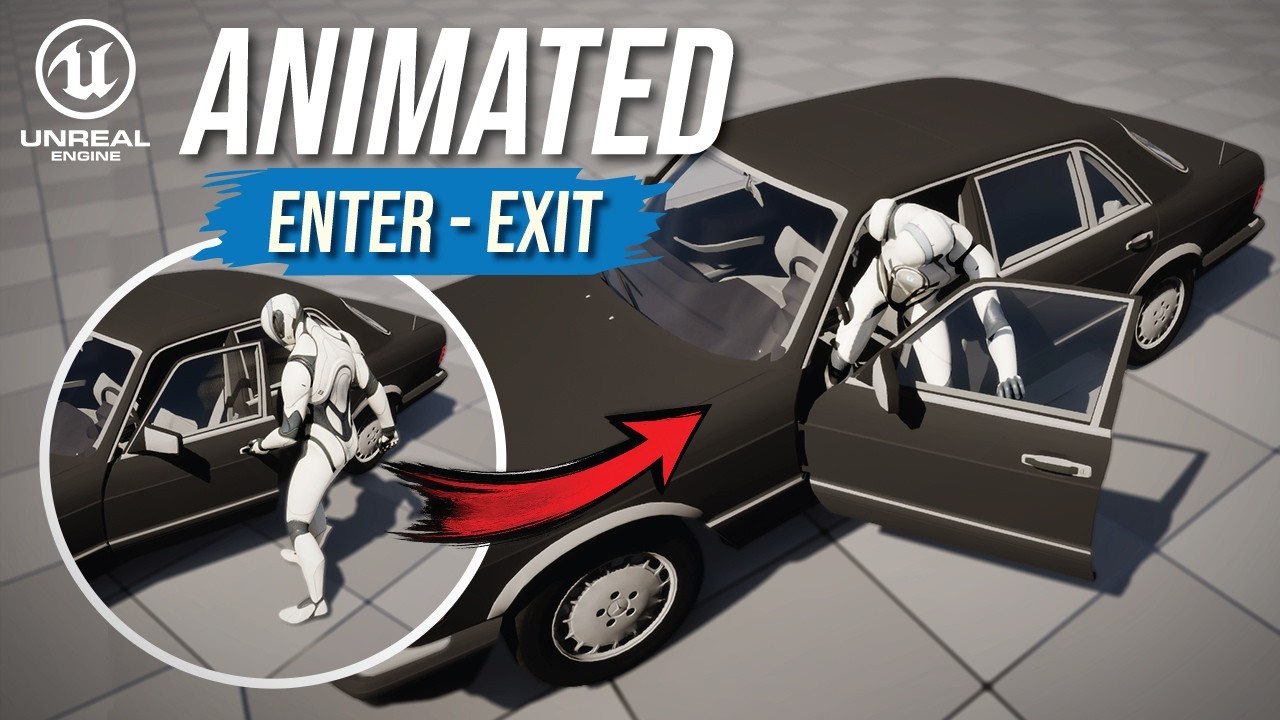 Image currently unavailable
Use Motion Warping to align animated vehicle entry and exit transitions with the car.
 Image currently unavailable
Use Two Bone IK to connect the character’s hands to door handles and the steering wheel.
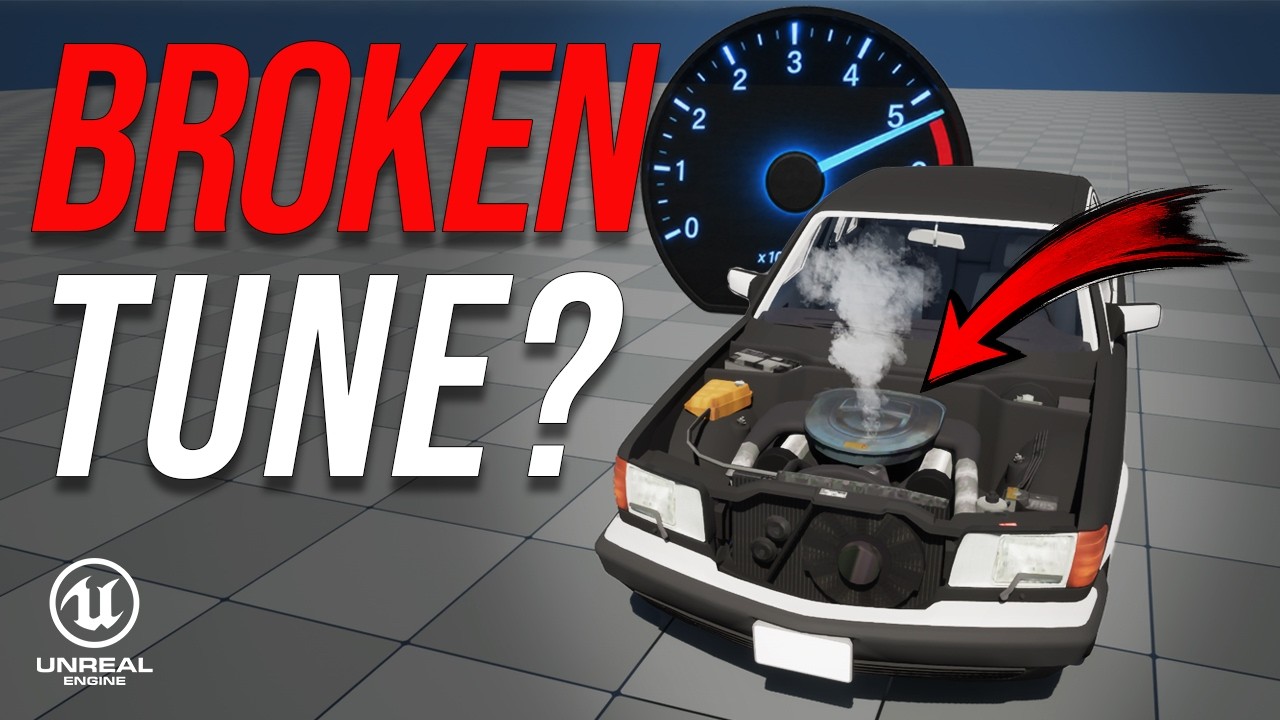 Image currently unavailable
Tune vehicle mass, torque, transmission, and shift RPM so speed, gears, and engine RPM work together.
 Image currently unavailable
Add door sounds, engine startup, dynamic RPM-based engine audio, and handbrake skid sounds.
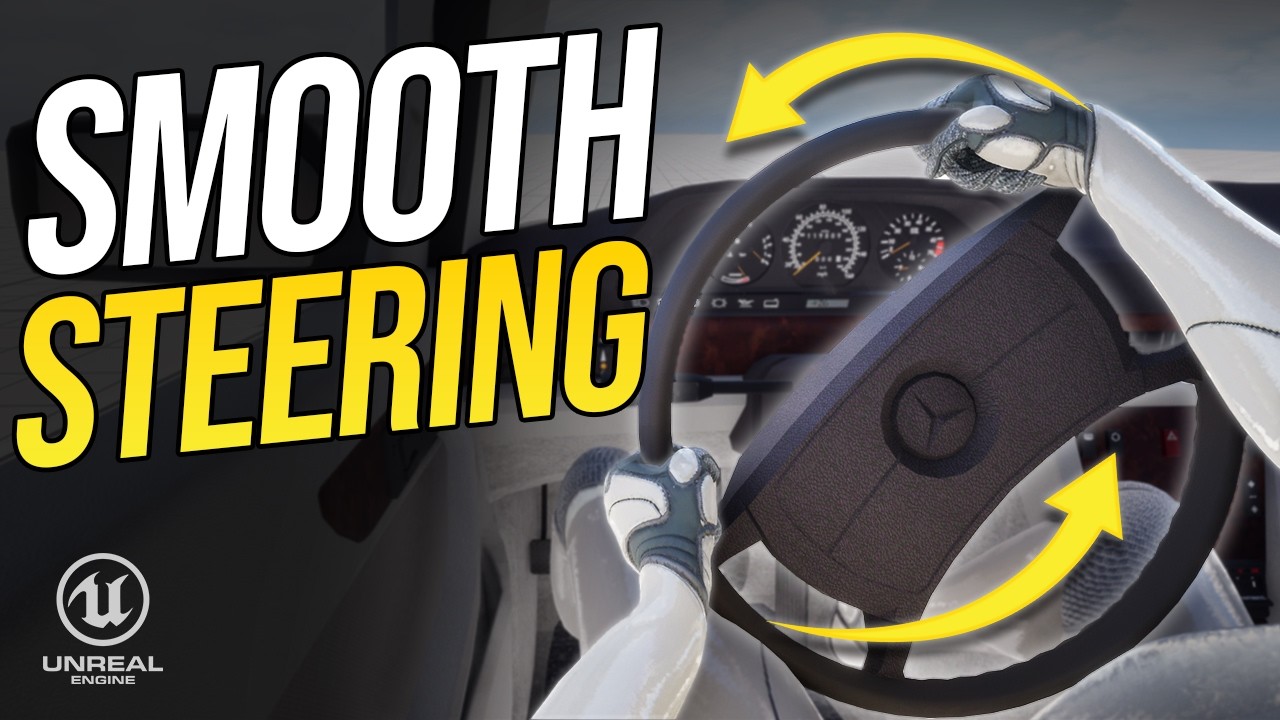 Image currently unavailable
Set up camera switching, steering wheel rotation, and Control Rig hand placement for first-person driving.
 Image currently unavailable
Create a shared skeleton and base Chaos Vehicle Blueprint so multiple cars can use the same system.
 Image currently unavailable
Make an AI car follow a spline using a look-ahead target and smooth steering input.
 Image currently unavailable
Use road curvature and physics to calculate cornering speed and apply proportional throttle and braking.
 Image currently unavailable
Make brake calipers follow wheel suspension and steering without inheriting the wheel’s spinning rotation.
 Image currently unavailable
Add 3D spatialization, air absorption, and occlusion to a vehicle MetaSound using sound attenuation.
 Image currently unavailable
Detect tire slip and dynamically control skid sound intensity during acceleration, braking, cornering, and drifting.
 Image currently unavailable
Build a reusable vehicle HUD with a digital speedometer, RPM needle, active arc, configurable redline, and gear indicator for different Chaos Vehicles.
 Image currently unavailable
Build a reusable, data-driven vehicle camera with camera presets, smooth blending, speed effects, mouse look, automatic recentering, and a look-back view.
 Image currently unavailable
Build a reusable arcade drift system for Chaos Vehicles with Blueprint inheritance, rear-grip control, auto countersteer, angle control, and assists that maintain speed through a slide.
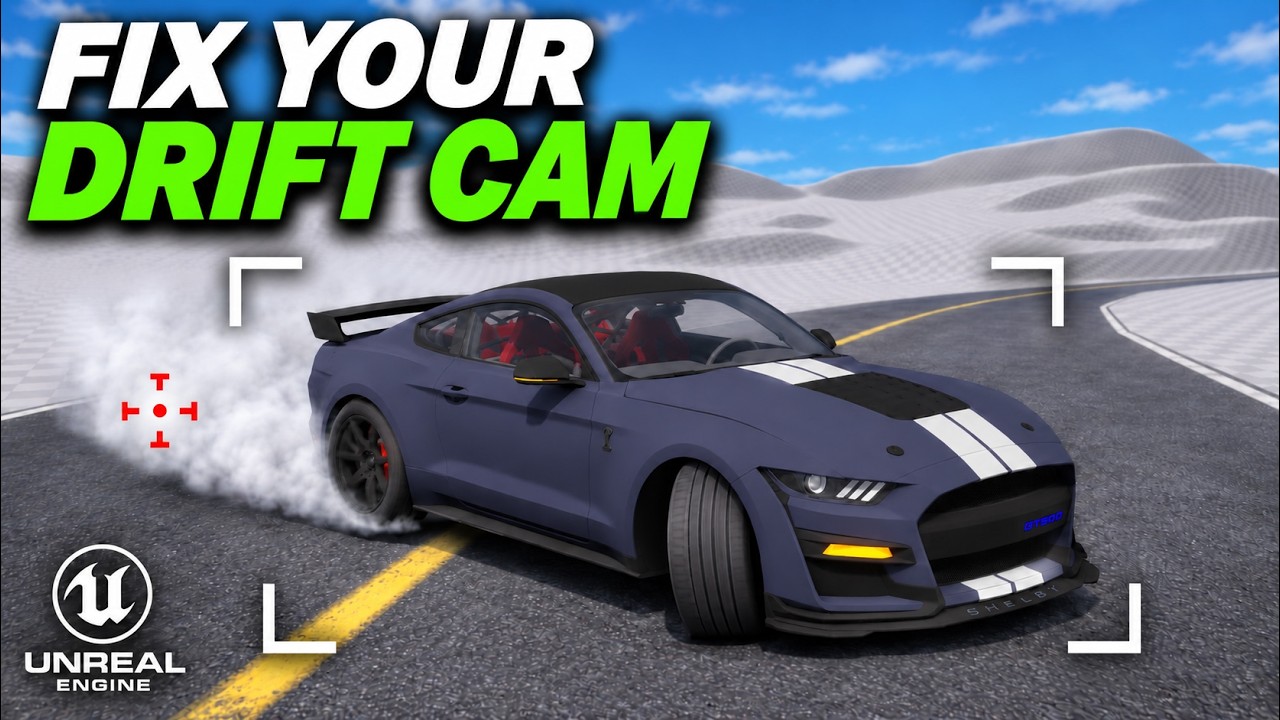 Image currently unavailable
Build a drift camera that follows the car’s direction of travel. Share the drift angle between the vehicle and camera, fix reversed rotation, and tune Look Ahead Strength.
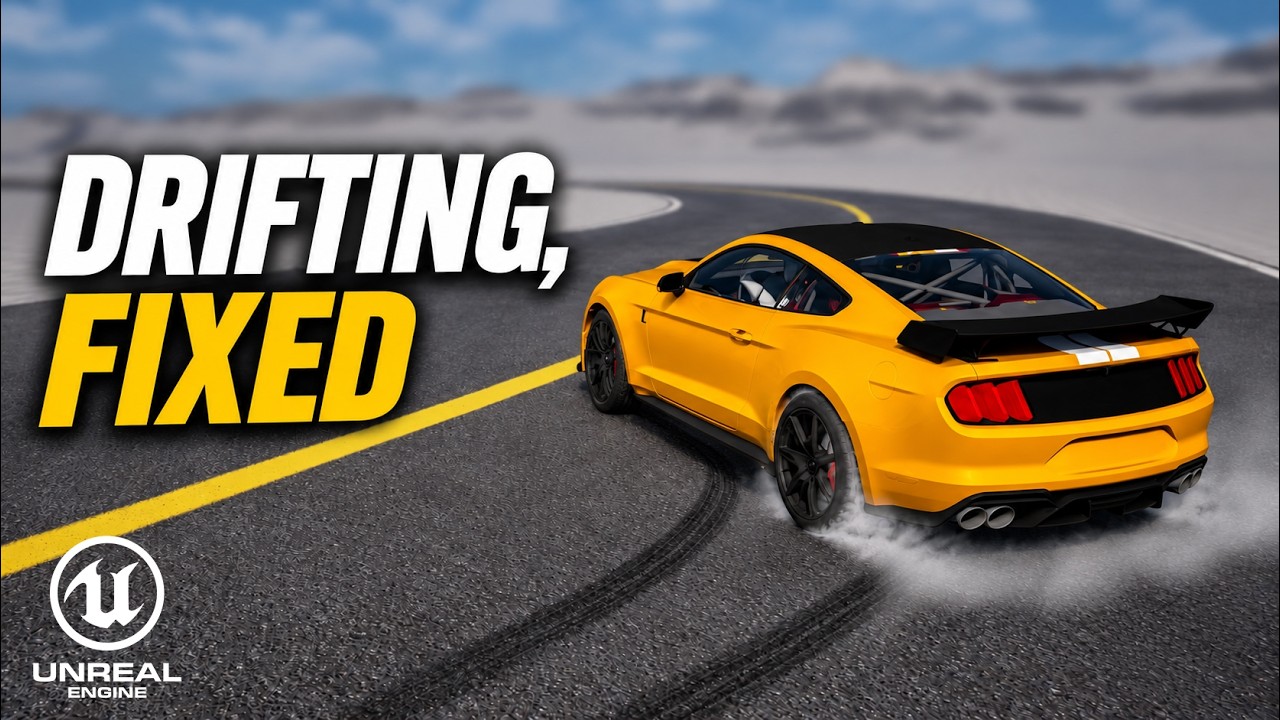 Image currently unavailable
Fix drift flicker on entry, prevent the car from slowing and kicking when switching sides, and smooth out steering on exit. Includes the full list of tuning values.
Extra mechanics and fixes to use alongside this series.
Image currently unavailablePrepare a car in Blender for Chaos Vehicles. This original workflow has an updated recommended tutorial.
Image currently unavailable
A continuously updated Chaos Vehicle project with interactions, animation, audio, modular vehicles, and AI.
Project details