Project Vault
$9.99/ month
- All project files
- Files from public and Plus videos
- New projects and file updates
PROJECT FILES & ADVANCED TUTORIALS
All the project files with Project Vault. Exclusive advanced video tutorials with Project Vault Plus.

$9.99/ month
$14.99/ month
Prefer to support the channel? Supporter$1.99 / monthView on YouTube
Join on YouTube, then download the project files from the members-only directory.
Choose Project Vault or Project Vault Plus from the channel’s membership options.
Use the same YouTube account you joined with to view the members-only posts.
Open “PROJECT VAULT — PROJECT DIRECTORY” for the links to every available project.
Explore the Unreal Engine projects included with either Vault membership.
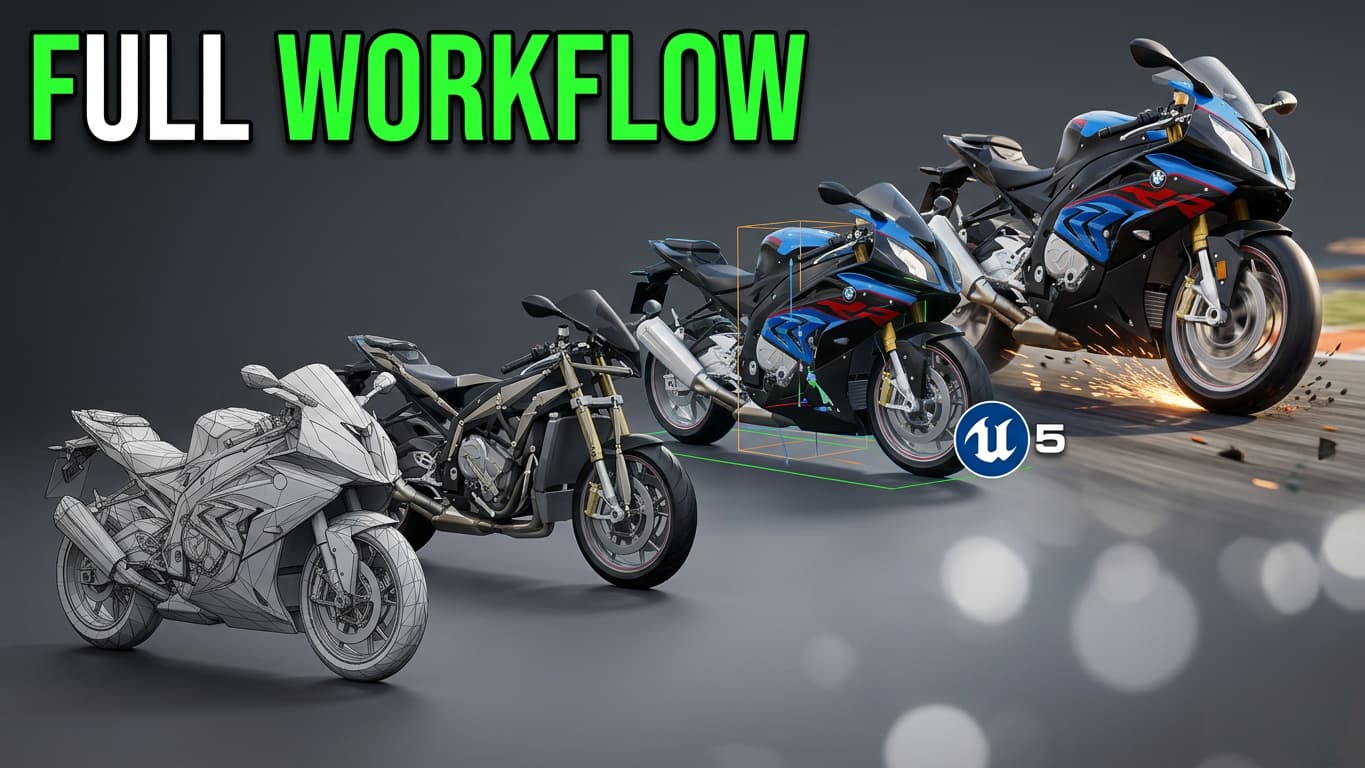
 Image currently unavailable
The sportbike project, updated through the latest motorcycle tutorial.
Project details Image currently unavailable
The Chaos Vehicle tank project, updated through the latest tank tutorial.
Project details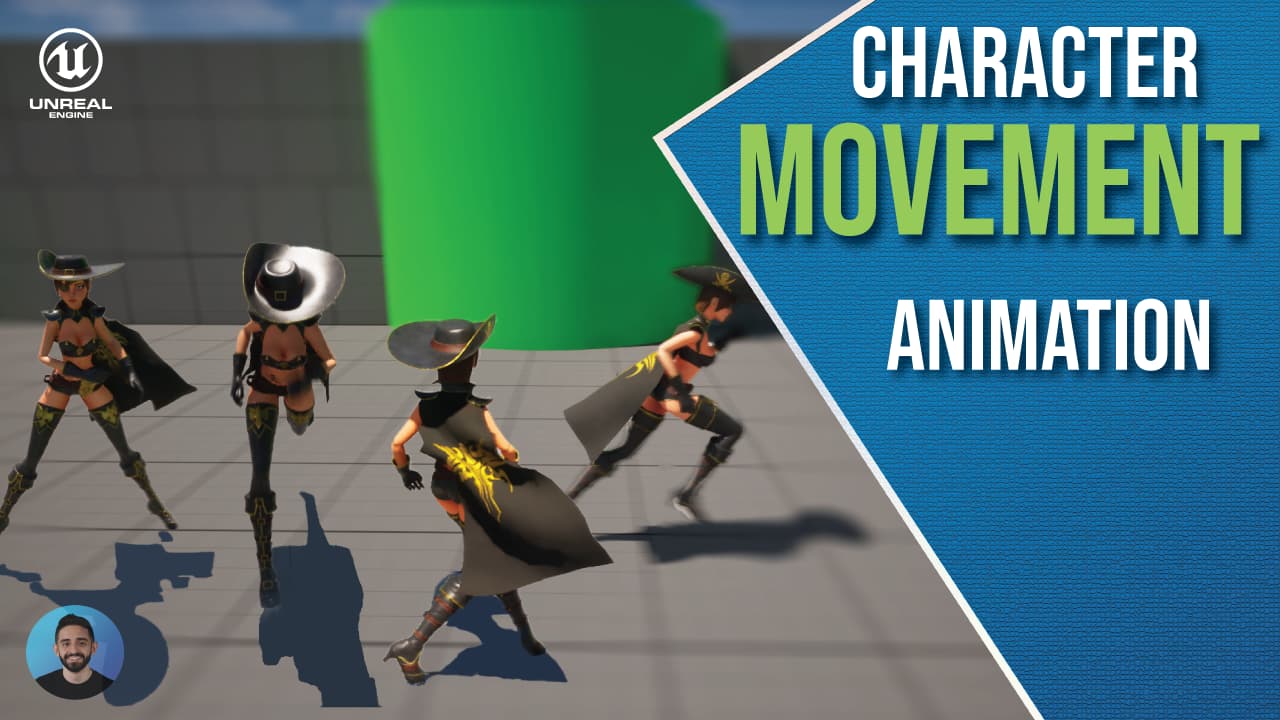 Image currently unavailable
The character movement animation project accompanying its tutorial.
Project details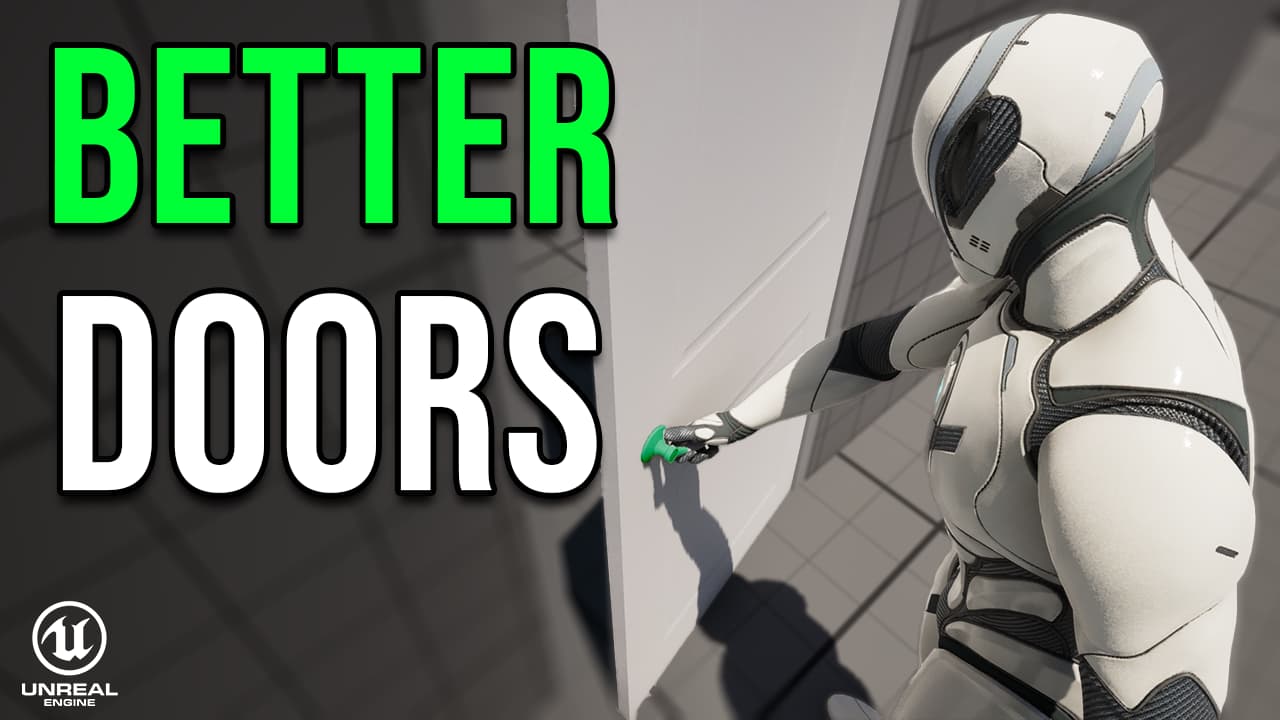 Image currently unavailable
The door interaction project accompanying Build Better Doors in Unreal Engine 5.
Project details Image currently unavailable
A continuously updated Chaos Vehicle project with interactions, animation, audio, modular vehicles, and AI.
Project details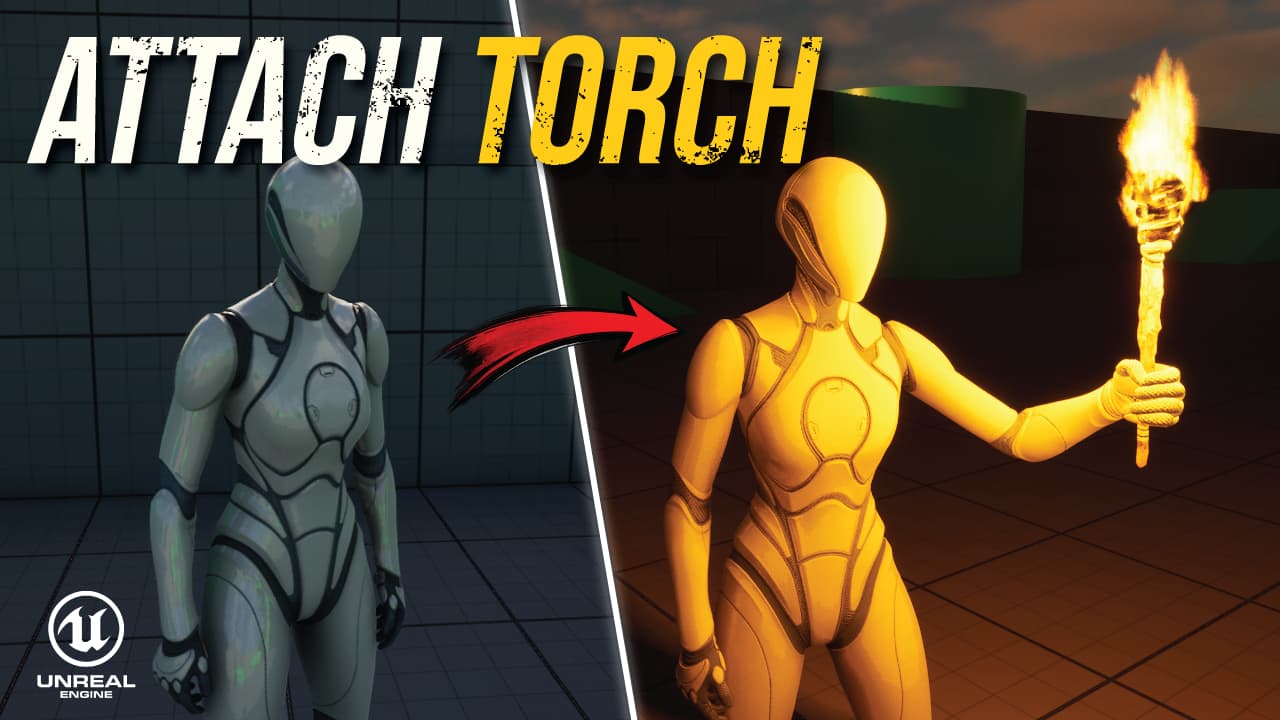 Image currently unavailable
The Niagara torch project, updated through the latest torch tutorial.
Project details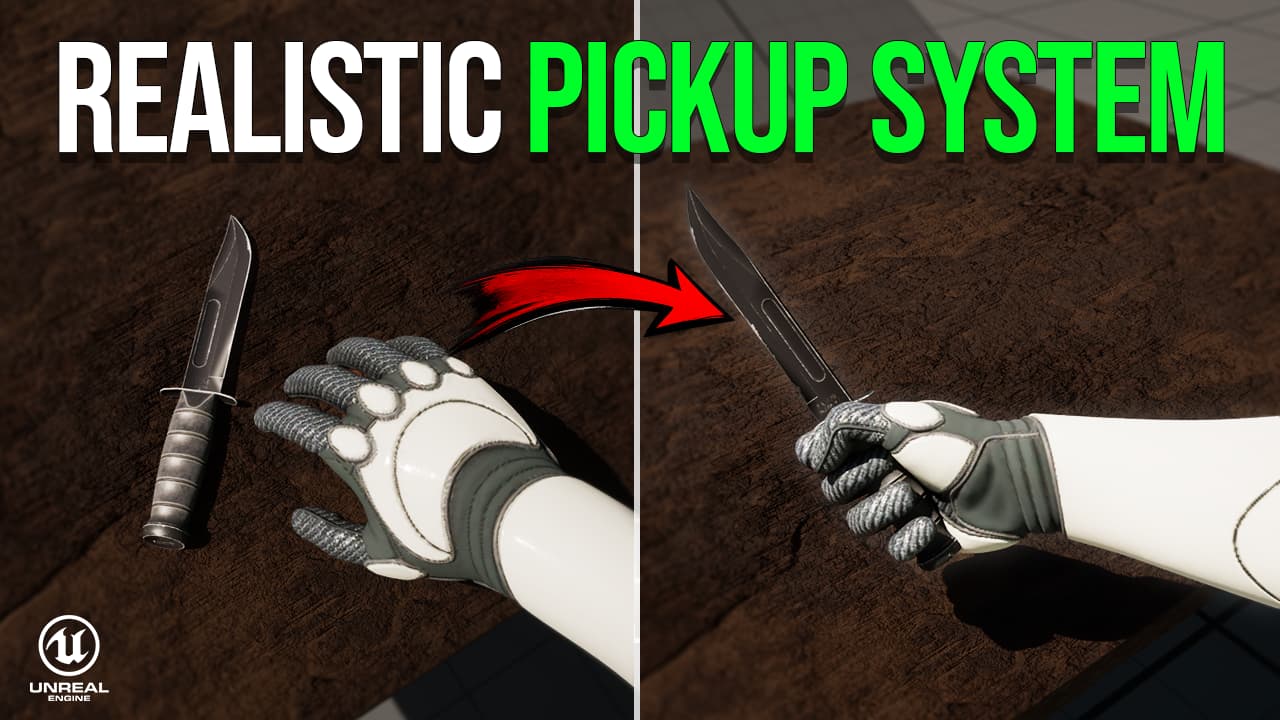 Image currently unavailable
The core pickup system, polishing and new features, and item inspection in one project.
Project details Image currently unavailable
 Image currently unavailable
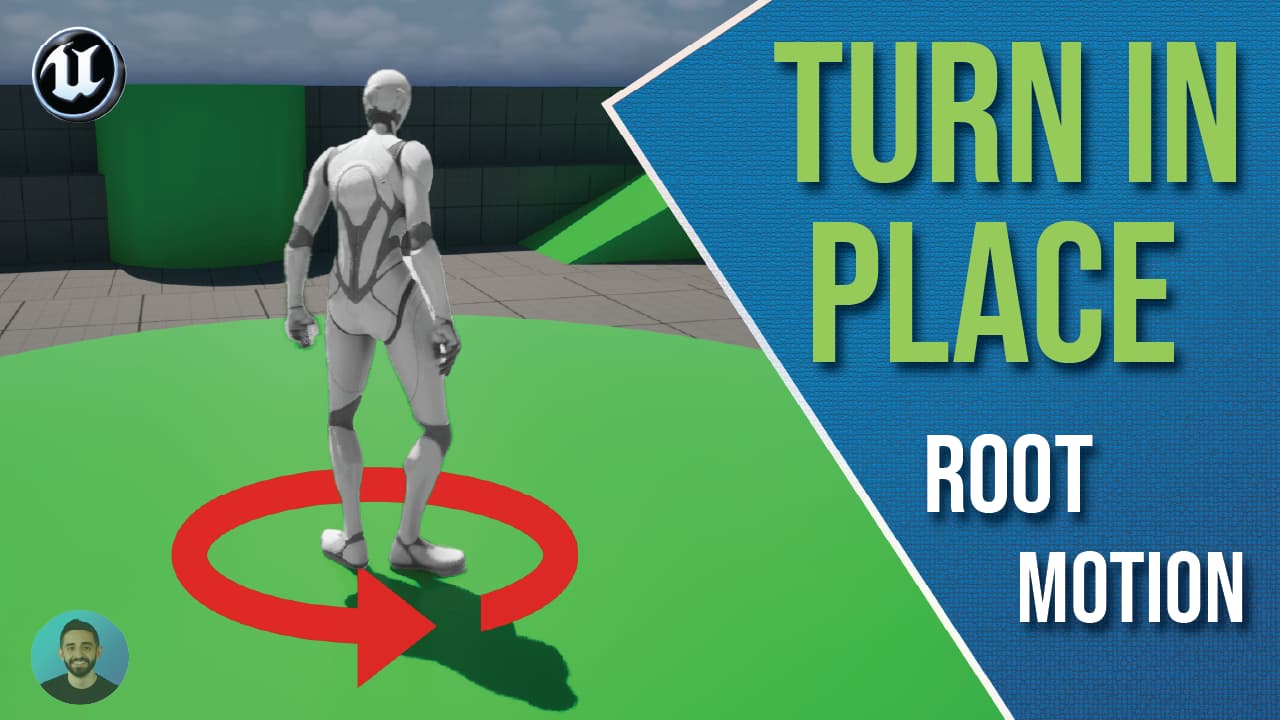 Image currently unavailable
The root-motion turn-in-place project accompanying its tutorial.
Project details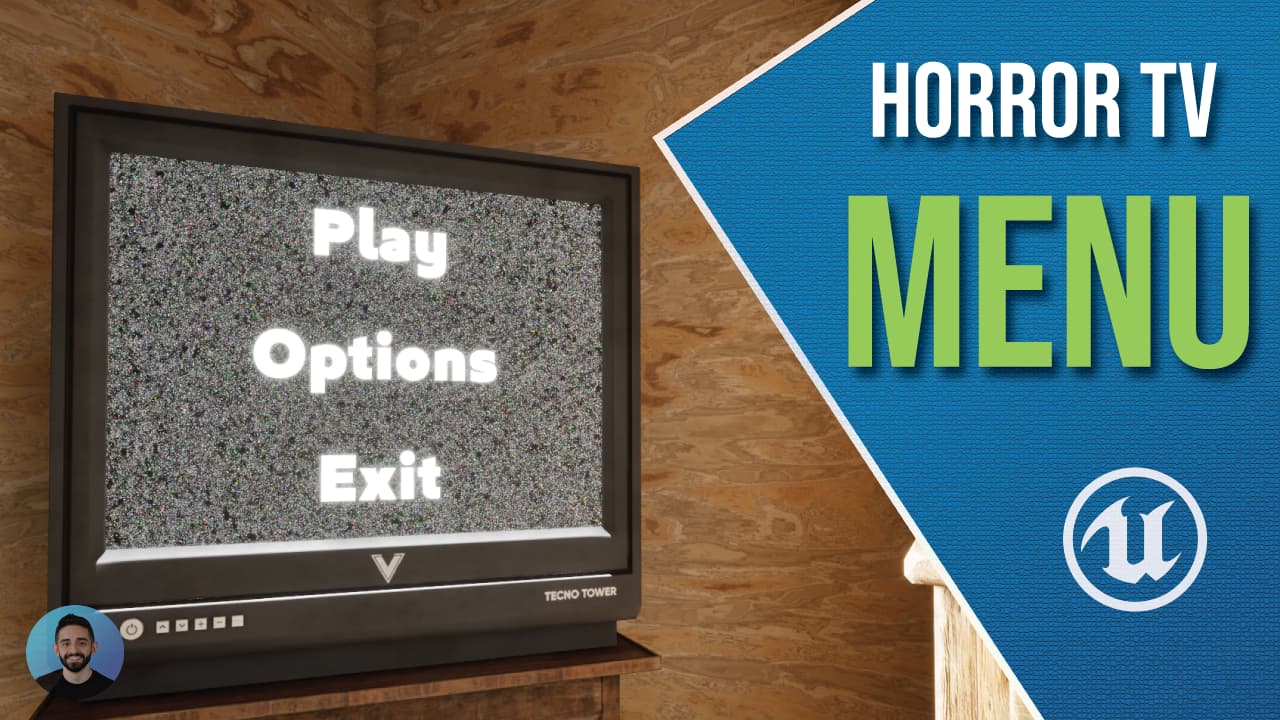 Image currently unavailable
The interactive TV main menu project accompanying the horror menu tutorial.
Project detailsPROJECT VAULT PLUS
Explore the exclusive advanced video tutorials included with Plus.
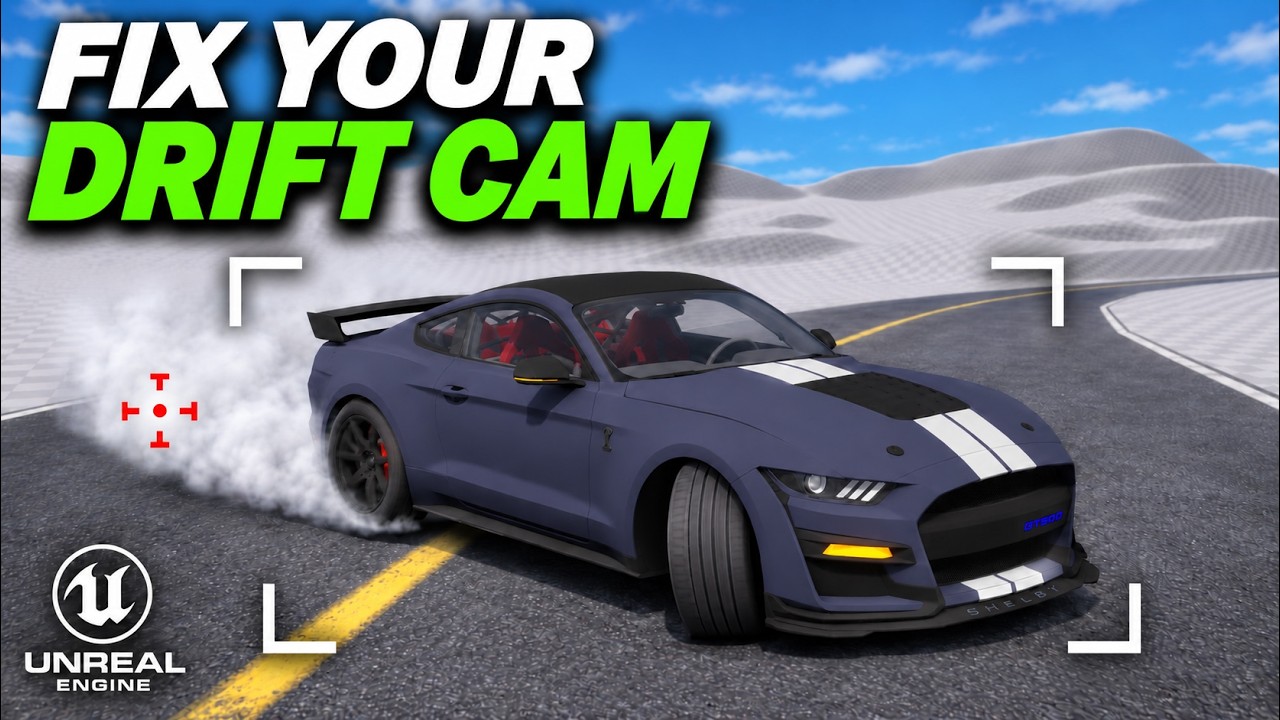 Image currently unavailable
Build a drift camera that follows the car’s direction of travel. Share the drift angle between the vehicle and camera, fix reversed rotation, and tune Look Ahead Strength.
Watch on YouTube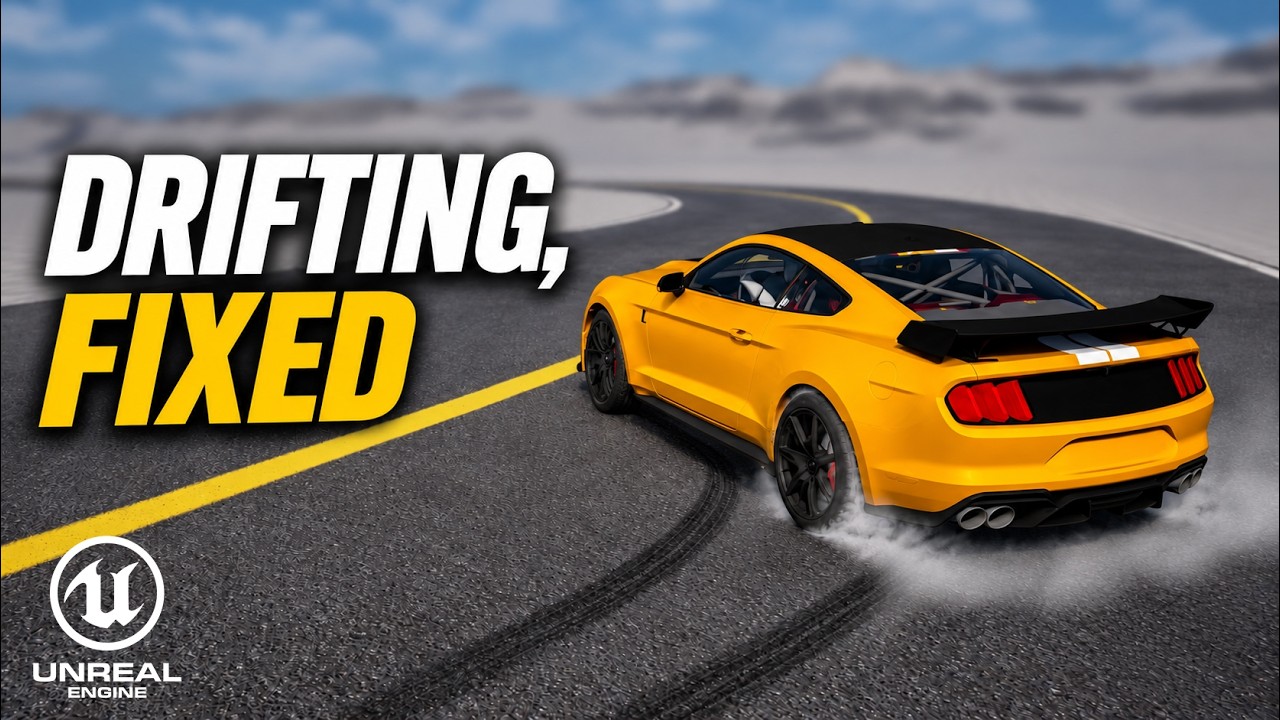 Image currently unavailable
Fix drift flicker on entry, prevent the car from slowing and kicking when switching sides, and smooth out steering on exit. Includes the full list of tuning values.
Watch on YouTubeChoose Project Vault for all project files, including those from Plus videos. Choose Project Vault Plus if you also want to watch the exclusive advanced video tutorials. Supporter is an option if you want to support the channel.
Plus adds exclusive advanced video tutorials with in-depth explanations of building and developing Unreal Engine systems. All project files from these videos are also included in Project Vault. Membership supports continued development and in-depth teaching.
No. Project Vault includes all project files, including those from Plus videos. You need Plus only to watch the exclusive video tutorials.
On the Houman Creates YouTube channel, signed in with the account that has your Project Vault Plus membership.
Project Vault files are provided exclusively to Houman Creates – Project Vault members.
You may:
You may not:
All third-party 3D models and assets are credited. Full ownership of these assets remains with their original creators, and Houman Creates does not claim ownership of them. Their use remains subject to the licenses provided by their respective creators.
My contribution is the rigging, Unreal Engine implementation, gameplay systems, Blueprints, and custom-made animations. These original elements are created and owned by Houman Creates and are provided under this Project Vault license.
Membership grants permission to use these files under the terms above—it does not transfer ownership or grant permission to redistribute them.
© Houman Creates. All rights reserved.