
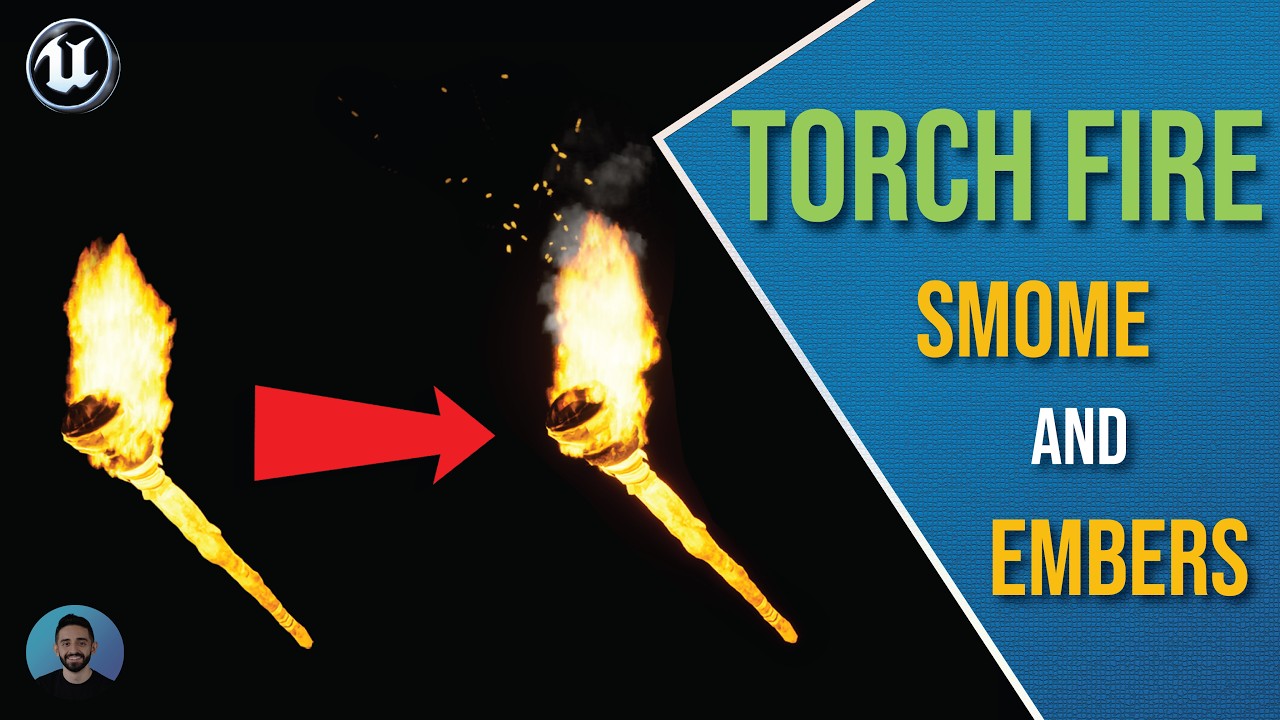

Niagara Torch System
The Niagara torch project, updated through the latest torch tutorial.
Project details3 EPISODES · FOLLOW IN ORDER
Create a Niagara torch with flames, smoke, embers, and a character holding pose.
Create a Niagara torch with flames, smoke, embers, and a character holding pose.
Create a torch flame with a flipbook material, Niagara emitter, point light, and dynamic light flicker.
Add rising smoke and glowing ember particles to the torch effect using Niagara.
Attach the torch to a hand socket and blend the holding pose with character movement.
The Niagara torch project, updated through the latest torch tutorial.
Project details